
Every minute counts when it comes to security operations. Yet, many teams aren’t fully leveraging the powerful GuardsPro productivity features built into the platform. Whether you’re a security company owner, a dispatcher, or an operations manager, using these tools can drastically improve efficiency, accuracy, and guard performance. In this blog, we explore the top 10 features that can elevate your security guard management software experience and help your team operate smarter—not harder.
1. Saved Filters for Faster Navigation
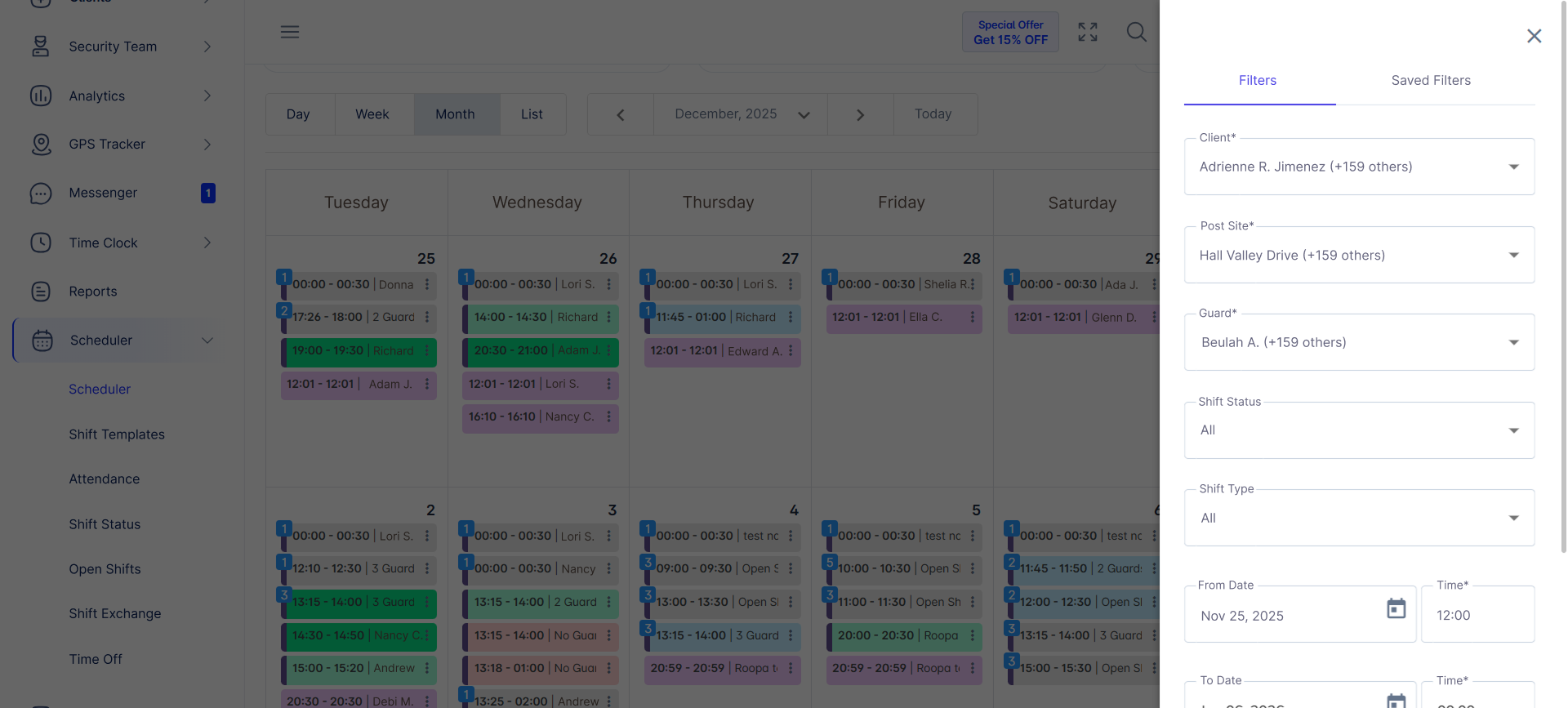
Saved Filters are a simple yet powerful tool that allow you to quickly access your most-used views across modules such as Reports, DAR, Invoices, and Schedules. Instead of repeatedly applying the same filter combinations, you can save them once and bring them up instantly—cutting down repetitive tasks and ensuring consistent report or schedule views across your team.
2. Bulk Shift Assignment for Smart Scheduling
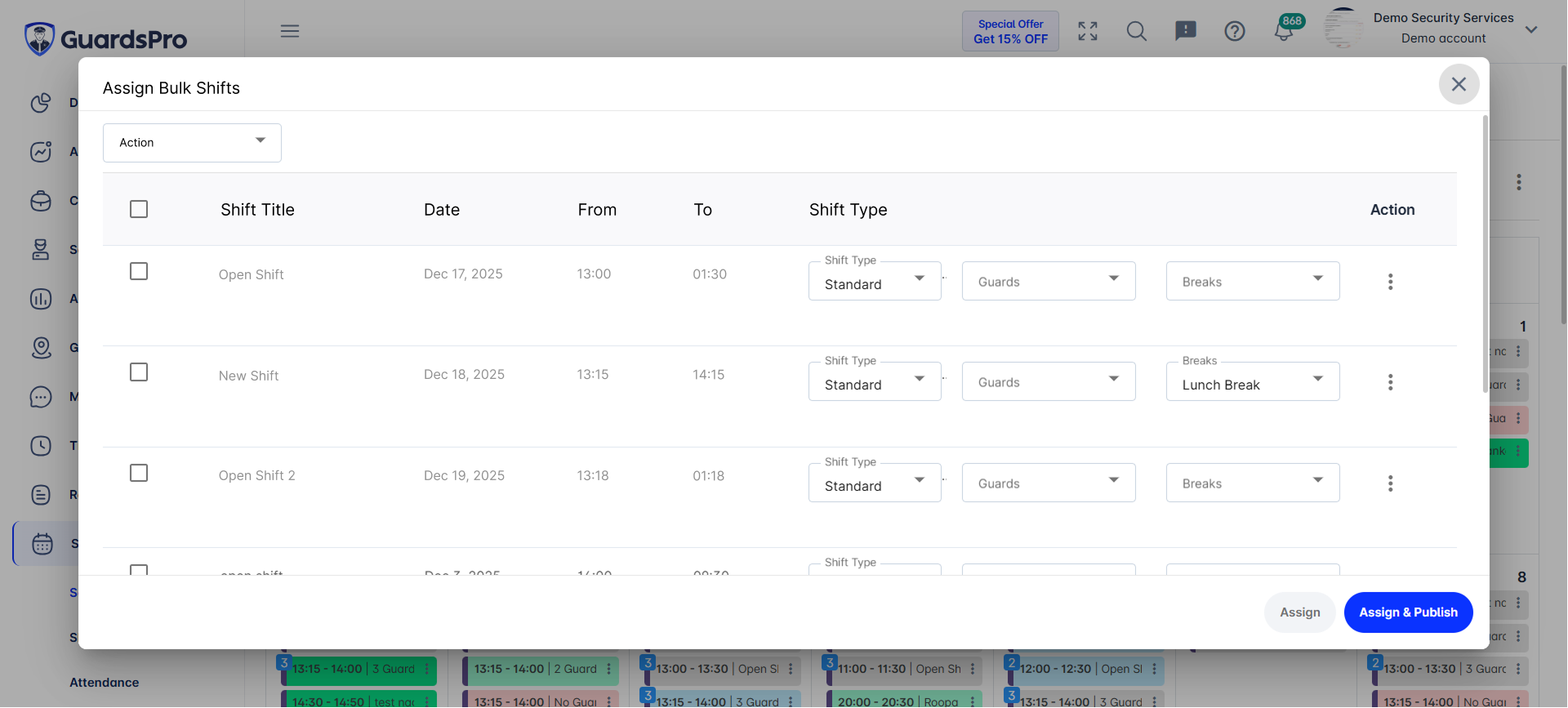
Scheduling large teams is challenging, especially during peak season or rapid scaling. GuardsPro’s Bulk Shift Assignment helps admins assign multiple shifts across locations, dates, and guards with just a few clicks. This drastically reduces manual scheduling time and minimizes errors—making it an essential feature for security workforce management.
3. Real-Time Guard Location Tracking
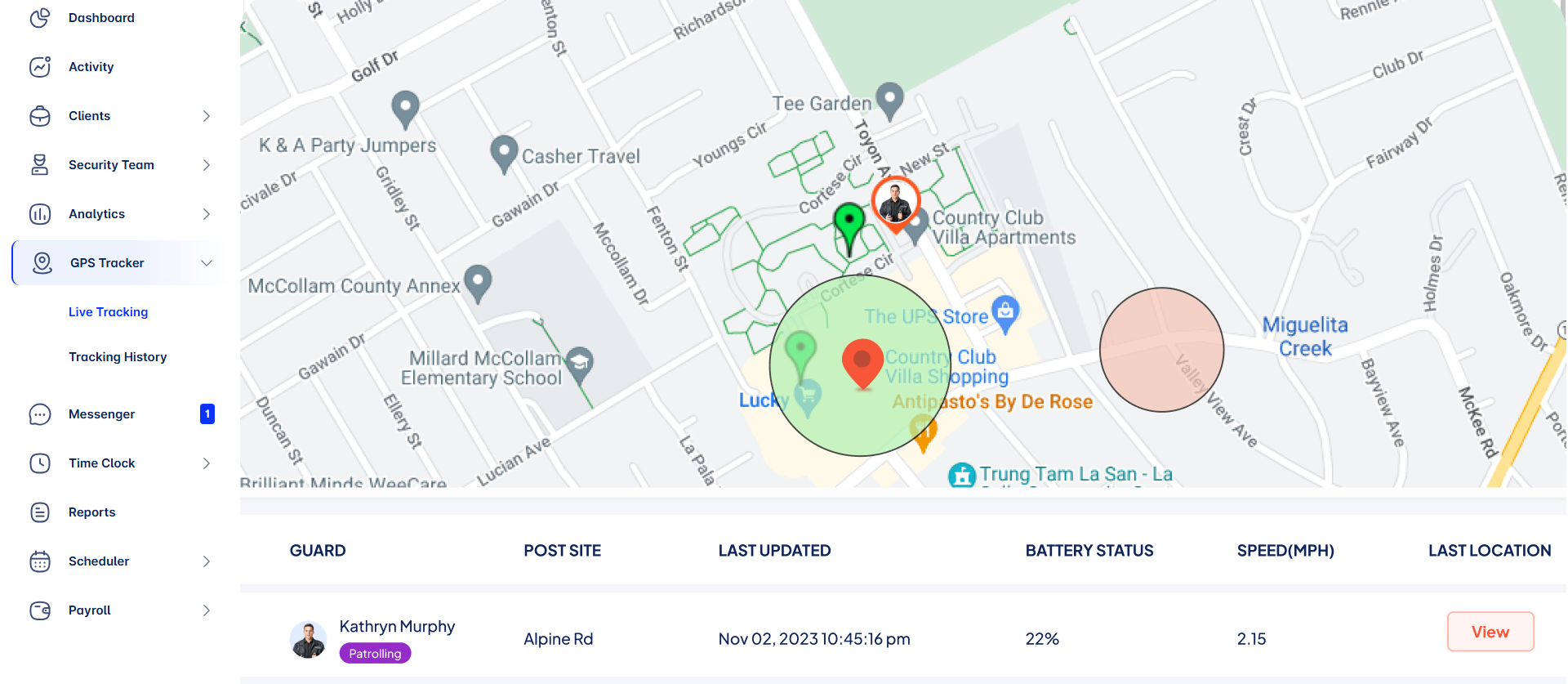
Knowing exactly where your guards are during active shifts helps ensure accountability and improves real-time response. GuardsPro’s live GPS tracking gives supervisors complete visibility, enhancing guard safety and enabling faster decisions when incidents occur. It’s one of the most underused GuardsPro productivity features that security managers should rely on more often.
4. Smart Incident & Standard Report Stats
The Reports offer a detailed breakdown of report metrics—incident types, response patterns, guard reporting habits, and more. Many companies overlook these analytics, but using them helps identify performance gaps, training opportunities, and trends worth presenting to clients.

5. Automated Time Clock Notes
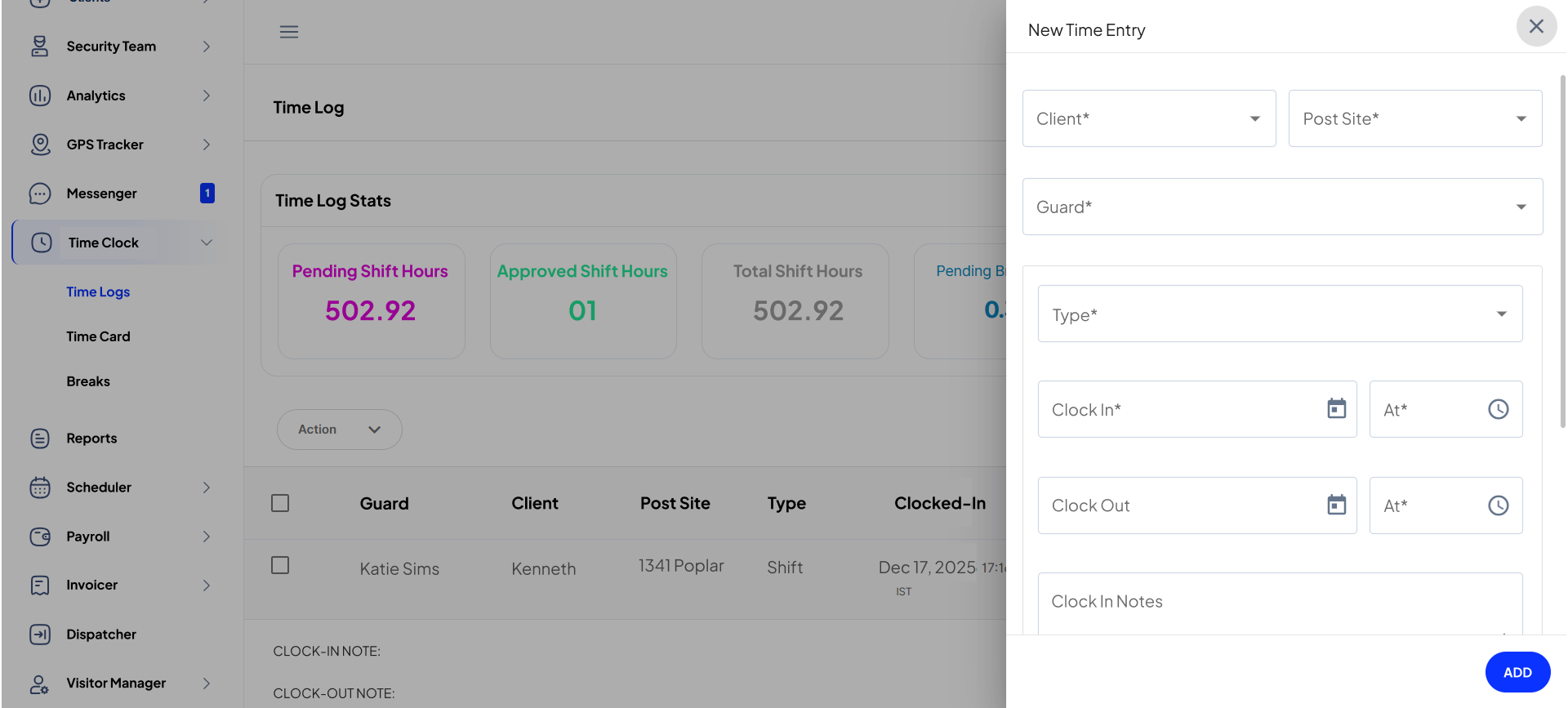
If your team uses paper notes or manual entries, you’re missing out. GuardsPro’s Time Clock Notes allow guards to submit quick updates when starting or ending shifts. Whether it’s a client instruction, equipment issue, or location update, this feature streamlines communication and helps back-office teams maintain perfect audit trails.
6. Geofencing for Accurate Time Tracking
Geofencing ensures that guards can only clock in and out from authorized locations, reducing time theft and boosting payroll accuracy. It also helps companies maintain compliance with client agreements by ensuring that guards follow location-specific rules.
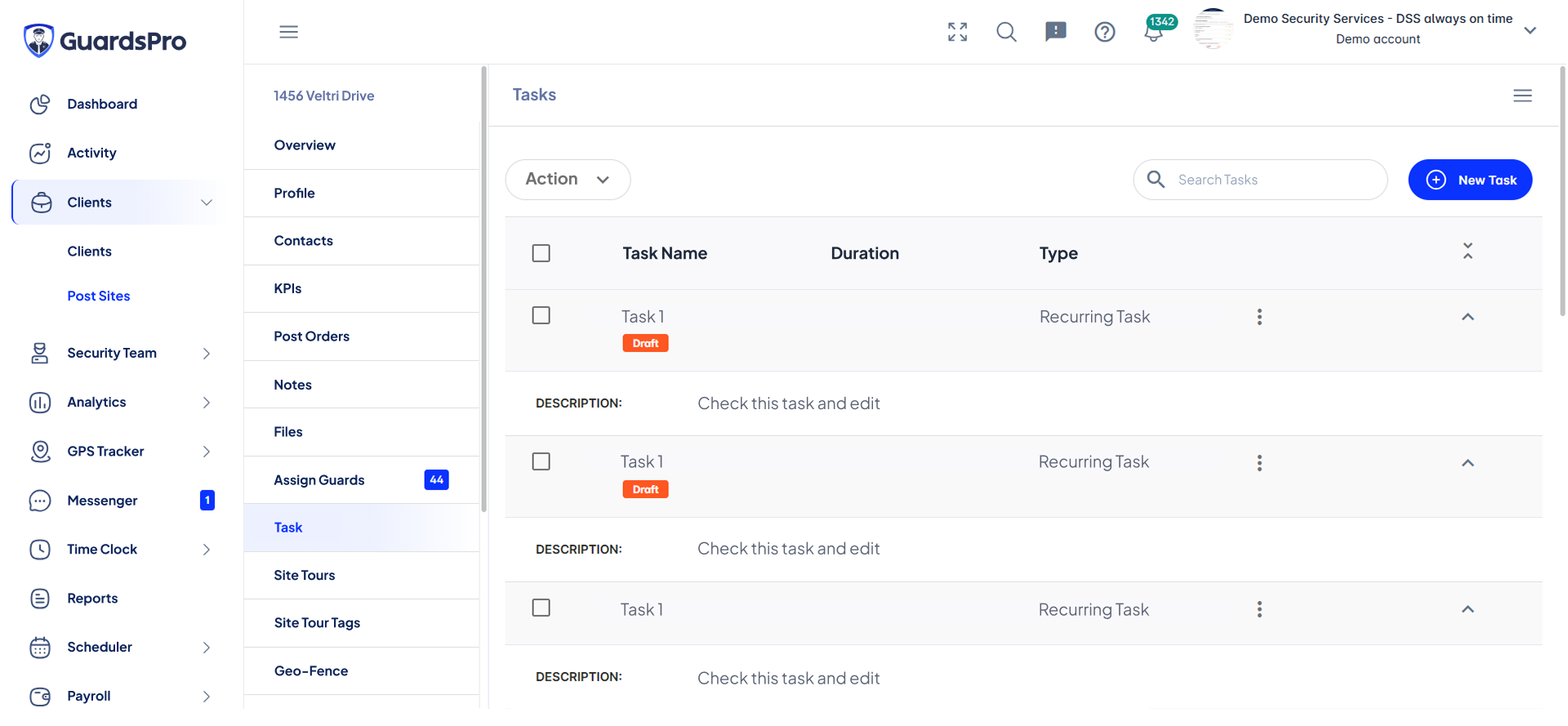
7. Task Management With On-The-Spot Task Creation
Managing tasks during live shifts is easier than ever with GuardsPro. Supervisors or back-office staff can assign tasks instantly, while guards can log, update, and complete tasks in real time from the Guard App. This improves accountability and ensures that critical duties never fall through the cracks.
8. Client Portal for Transparent Reporting
Many companies underutilize the client portal even though it significantly reduces back-and-forth communication. Clients can view reports, schedules, invoices, and site updates anytime—improving transparency and strengthening relationships. It also frees your team from sending manual updates or email summaries.
To understand the full value the client portal brings—such as improved communication, better collaboration, reduced errors, and enhanced customer loyalty—explore our detailed guide on the Benefits of GuardsPro Client Portal.
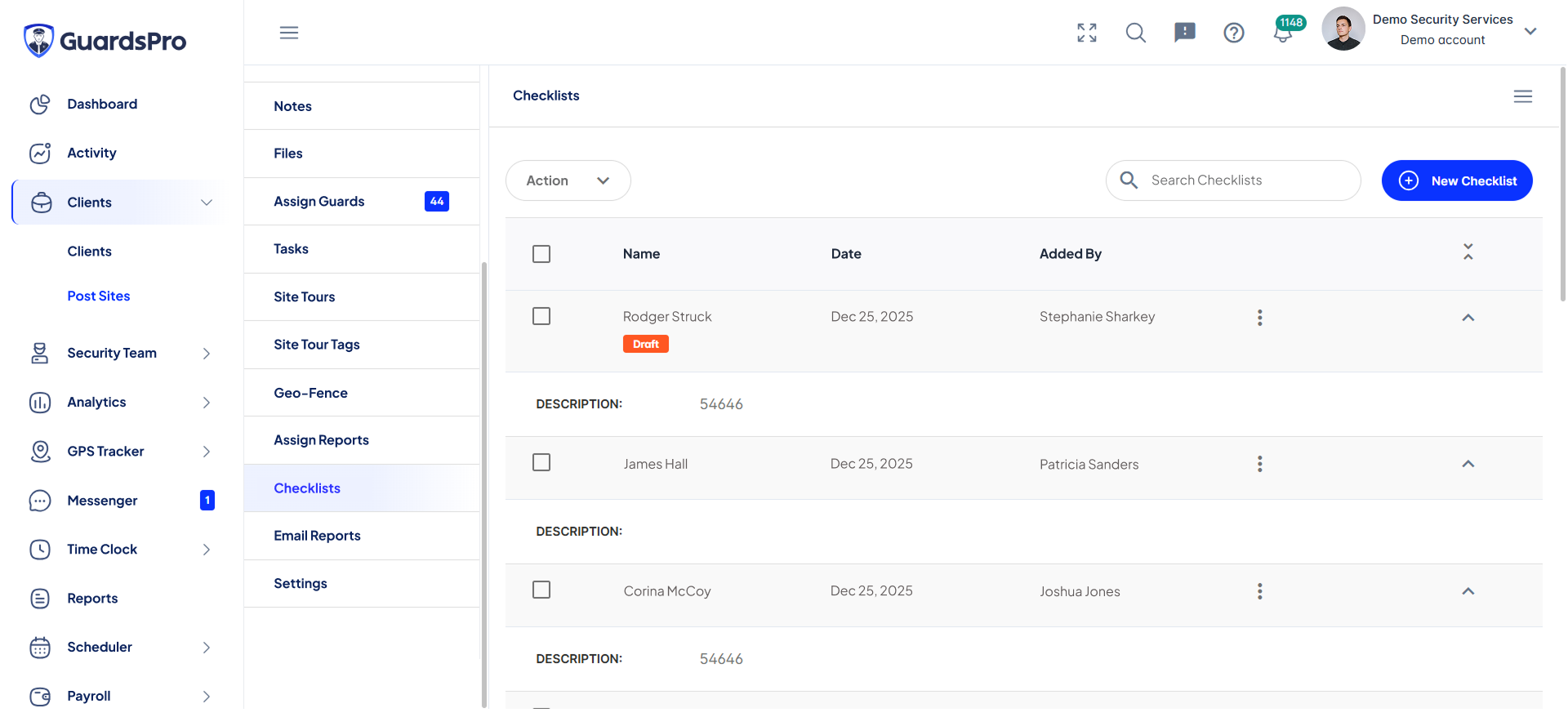
9. Checklist Templates for SOP Compliance
Checklists ensure guards follow required Standard Operating Procedures (SOPs) across different client sites. With customizable checklist templates, supervisors can standardize daily duties—from patrol routes to safety checks. This ensures consistency, reduces the risk of missed steps, and improves compliance.
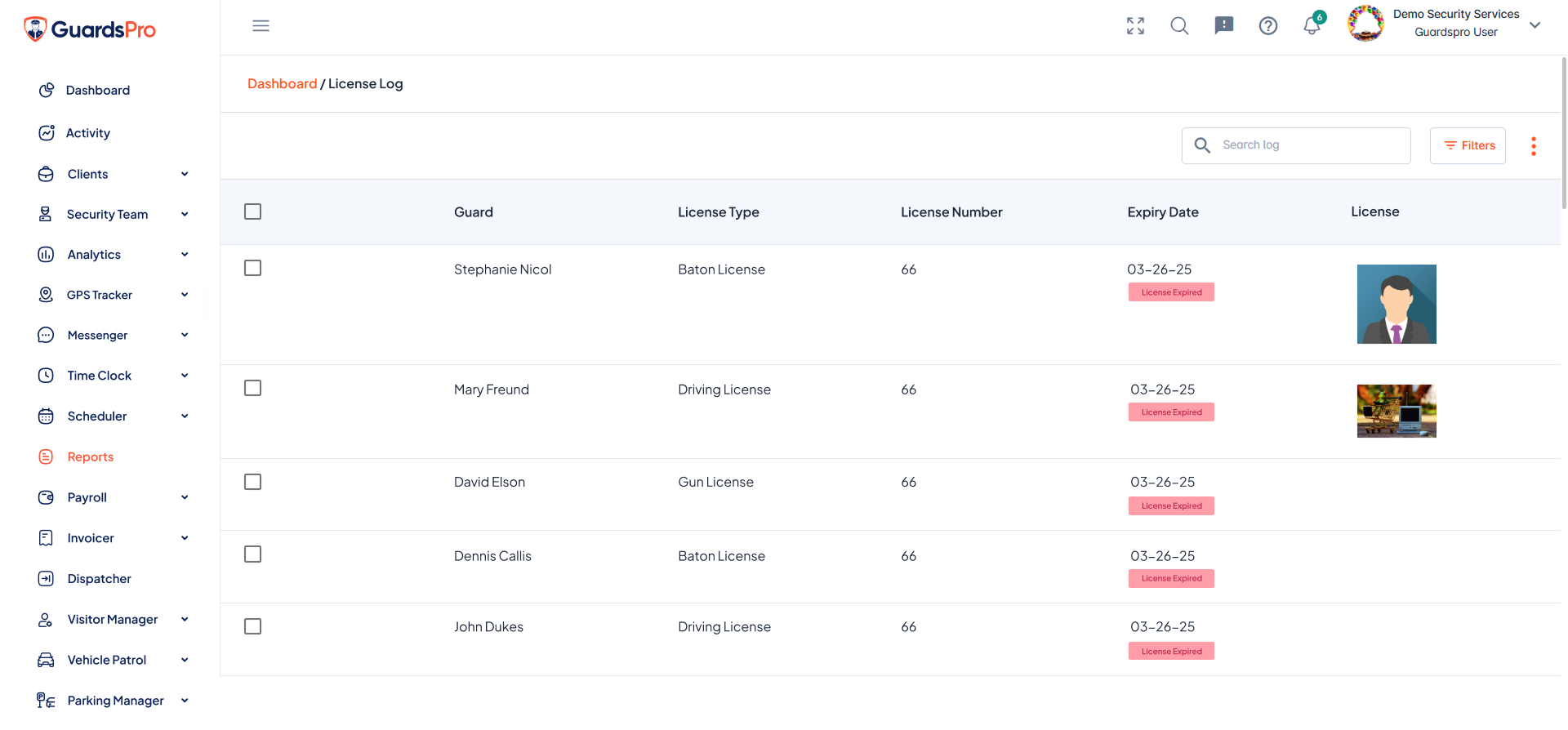
10. Document Expiry & License Management Alerts
Overlooking license expiration or missing document updates can lead to compliance issues and lost business. GuardsPro keeps the entire team on track with automatic alerts for guard licenses, client contracts, training certificates, and more. This ensures that you’re always prepared for audits and client reviews.
Start Using GuardsPro Productivity Features to Maximize Efficiency
Most security firms don’t realize how many opportunities for optimization they’re missing until they begin using the platform’s full potential. By fully adopting these GuardsPro productivity features, you streamline operations, enhance accuracy, and empower your team to deliver top-tier service to clients.
Whether you’re improving scheduling workflows, strengthening compliance, or enhancing your guard tour system, GuardsPro offers everything you need to build a more efficient, professional, and scalable operation.

Start your free 30-day trial of GuardsPro today and see the difference it can make.
Sign up within 15 days to unlock an exclusive 15% discount on your subscription.
Want a walkthrough instead?
Book a live demo and discover how GuardsPro supports everything from scheduling and dispatch to mobile reporting.
[Schedule a Demo Today]
Got feedback or questions?
We’d love to hear from you. Your input helps us improve and better serve teams like yours.
[Reach Out To Us]