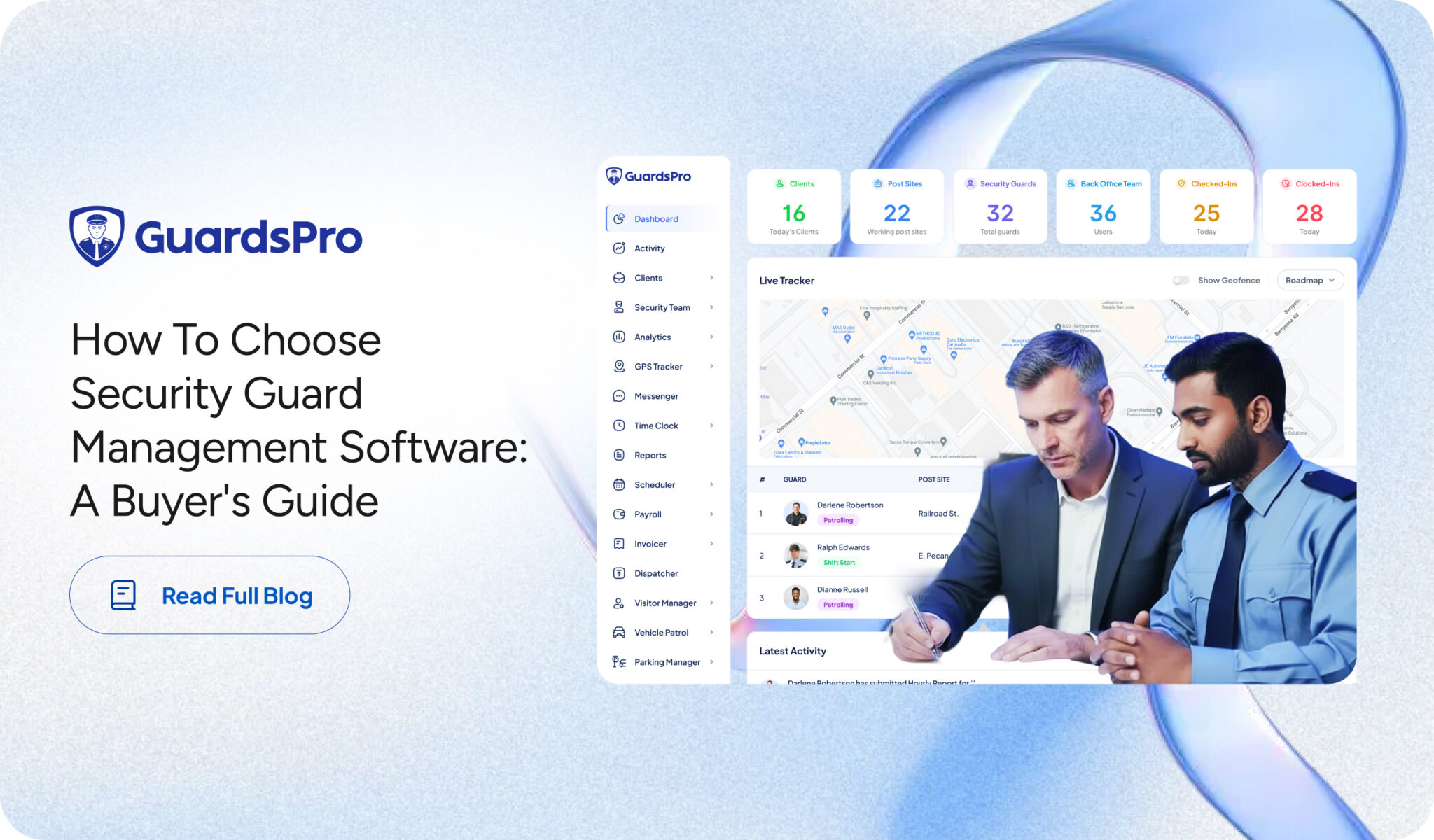
Managing a private security company involves far more than assigning guards to shifts. Today’s security firms must coordinate scheduling, track field activity, monitor officer performance, maintain compliance records, communicate with clients, and ensure every site is properly staffed at all times.
As operations grow, spreadsheets, phone calls, and disconnected systems quickly become difficult to manage. That’s why many firms are investing in security guard management software to streamline operations and gain greater visibility across their workforce.
However, not all platforms are built the same. Some focus only on scheduling, while others provide a complete operational management system for security companies.
If you’re evaluating security guard management software for your organization, this guide will help you understand which features matter most, what questions to ask vendors, and how to select a solution that supports your business today and in the future.
Why Security Firms Need Specialized Management Software
Many private security firms initially rely on generic workforce management tools or manual processes to manage operations. While these methods may work for smaller teams, they often create inefficiencies as the business scales.
Security operations have unique requirements that traditional workforce software typically cannot address, including:
- Managing multiple client locations
- Monitoring officer activity in real time
- Tracking patrols and checkpoints
- Maintaining incident reports
- Ensuring compliance and audit readiness
- Coordinating last-minute schedule changes
- Providing clients with operational transparency
Purpose-built security guard company management software is designed specifically for these challenges, helping companies improve accountability, reduce administrative workload, and deliver better service to clients.
Challenges of Managing Security Operations Without the Right System
Before evaluating solutions, it’s important to understand the common problems security firms face when using manual or disconnected systems.
Limited Visibility Into Field Operations
Managers often have little insight into where guards are located, whether patrols are being completed, or if officers have reported for duty.
Scheduling Inefficiencies
Creating and updating schedules manually can consume significant administrative time while increasing the risk of coverage gaps.
Communication Delays
Important updates may be missed when communication relies on phone calls, text messages, or multiple messaging platforms.
Inconsistent Reporting
Without standardized reporting processes, incident documentation and site activity records can become difficult to track and verify.
Difficulty Scaling Operations
As client contracts increase, operational complexity grows rapidly. Managing hundreds of guards across multiple sites becomes increasingly difficult without centralized software.
Key Features to Look for in Security Guard Management Software
When comparing security guard management software options, focus on capabilities that directly improve operational efficiency and workforce accountability.
Workforce Scheduling and Shift Management
Scheduling is often one of the most time-consuming tasks for security companies.
Look for software that offers:
- Automated scheduling tools
- Open shift management
- Overtime monitoring
- Schedule conflict detection
- Mobile shift notifications
- Rapid schedule adjustments
Effective scheduling functionality helps reduce administrative work while ensuring proper site coverage.

Real-Time Guard Tracking
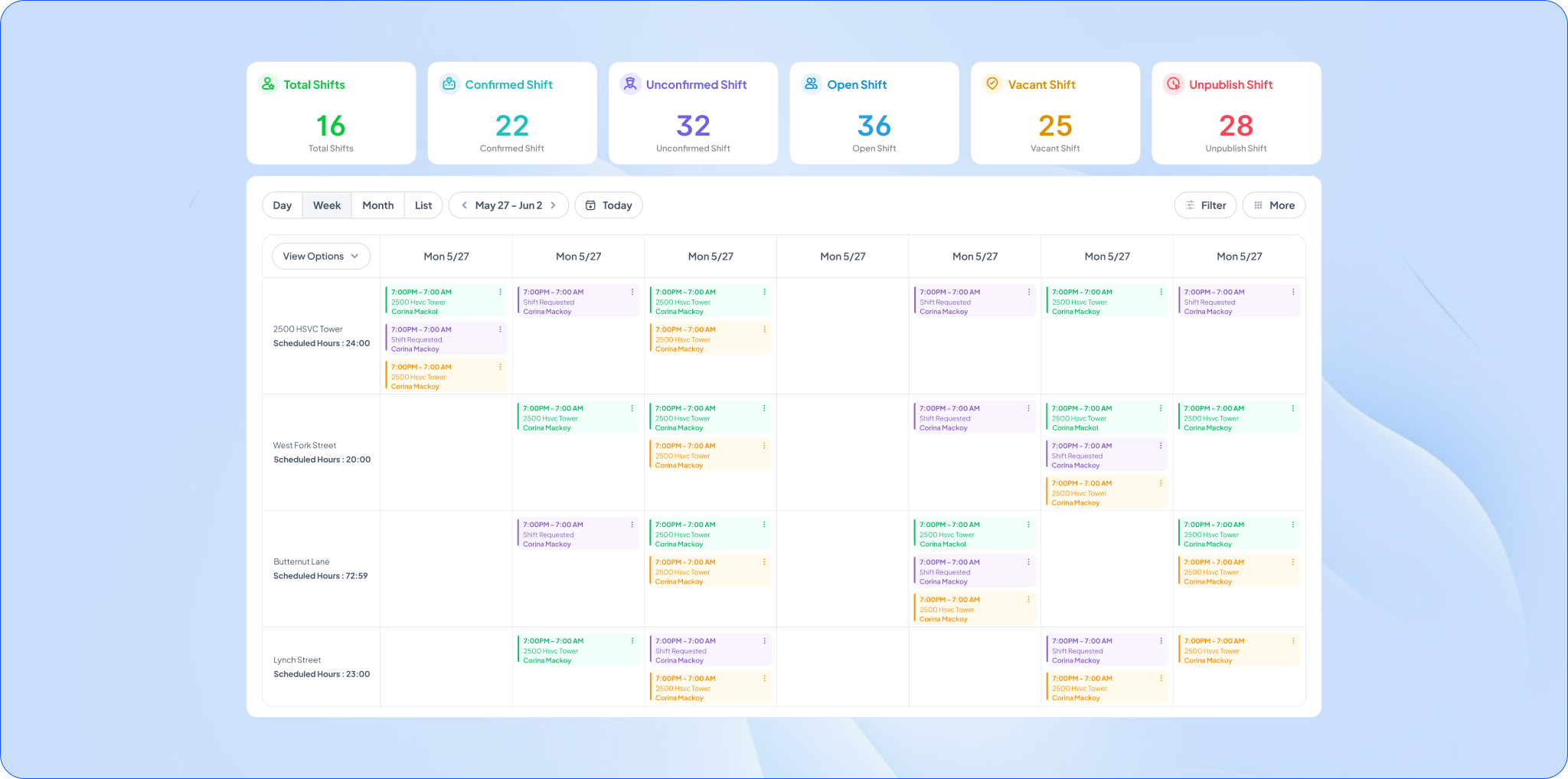
Real-time visibility has become a critical feature for modern security operations.
A robust guard management software platform should provide:
- Live guard location tracking
- GPS monitoring
- Site attendance verification
- Route visibility
- Activity status updates
These capabilities help supervisors quickly identify issues and maintain operational control across multiple locations.
Mobile Guard App
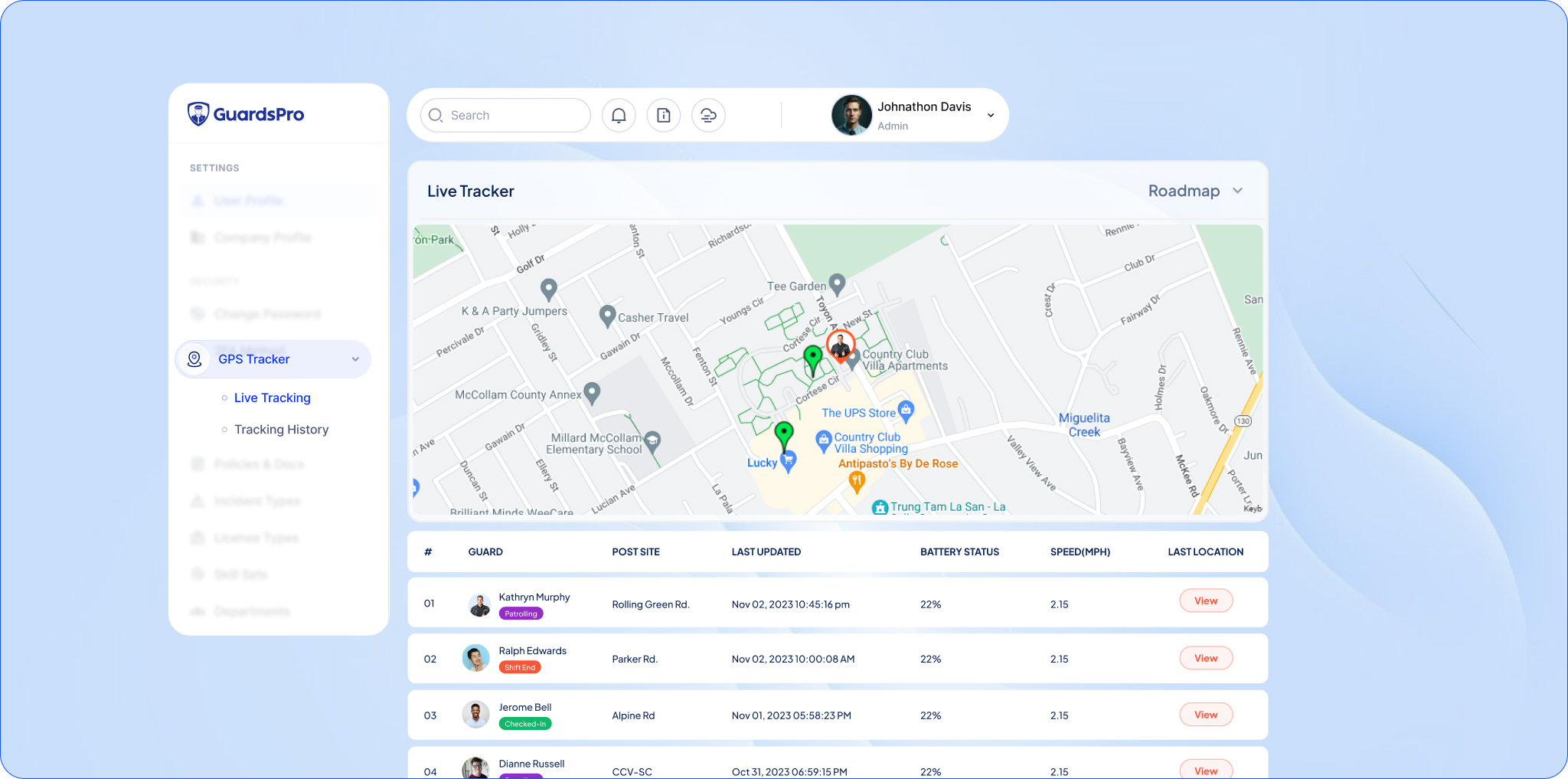
Field officers need access to information while on duty.
A mobile application should allow guards to:
- View schedules
- Clock in and out
- Submit reports
- Receive instructions
- Complete patrol checkpoints
- Communicate with supervisors
Mobile accessibility improves responsiveness and reduces administrative delays.
Incident Reporting and Documentation
Incident reporting tools help maintain accurate records while ensuring faster communication between field teams, supervisors, and clients.
Look for features such as:
- Digital incident reports
- Photo attachments
- Time-stamped records
- Report approvals
- Automated notifications
Client Portal and Transparency Tools
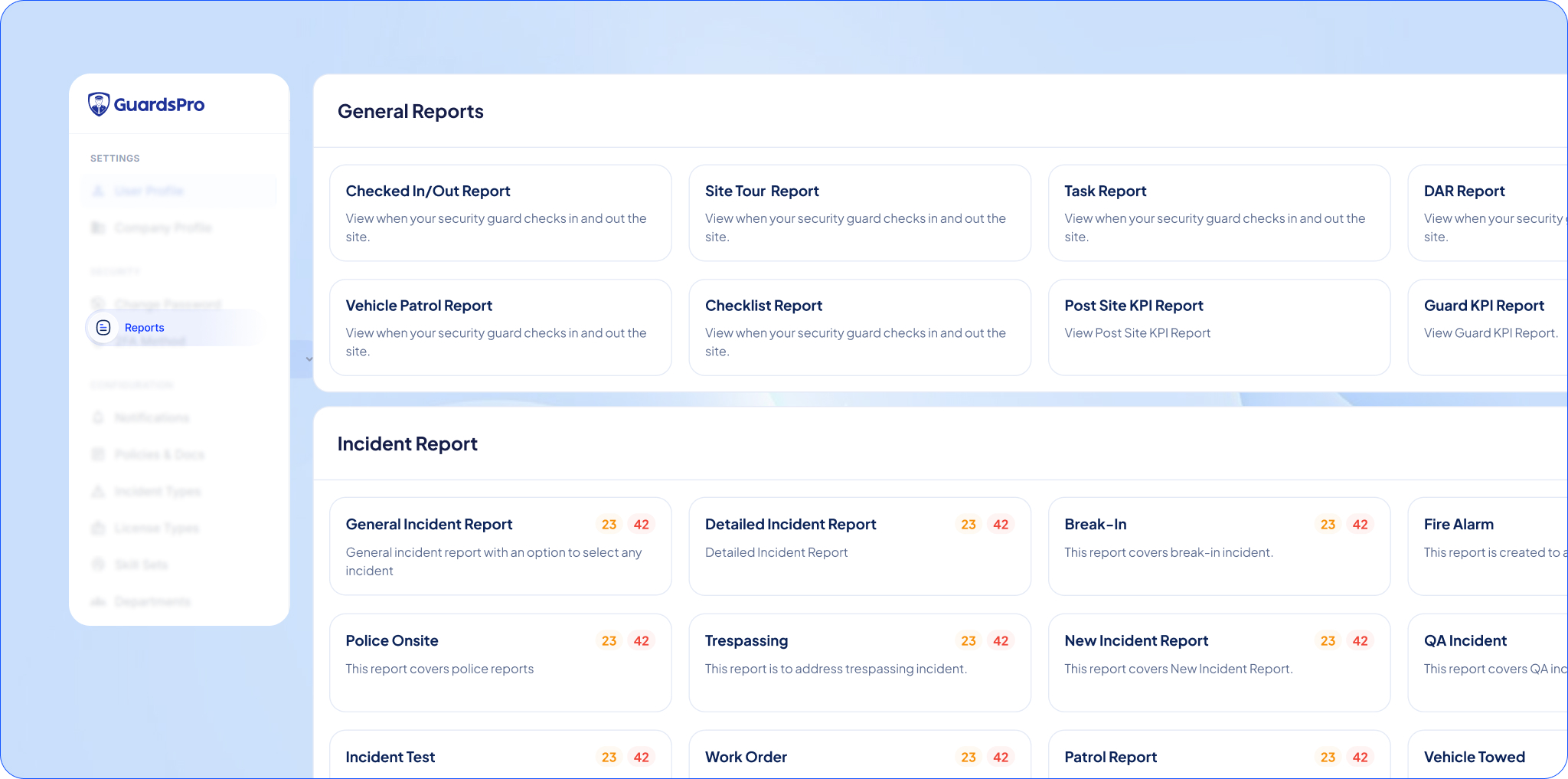
Many security firms use software to improve client relationships.
Client-facing capabilities may include:
- Activity reports
- Site updates
- Incident visibility
- Service verification
- Performance reporting
Providing clients with operational transparency can strengthen trust and support contract retention.
Payroll and Timekeeping Integration
Accurate time tracking is essential for both payroll processing and compliance.
Consider solutions that support:
- Digital time clocks
- Attendance monitoring
- Payroll exports
- Labor hour tracking
- Overtime calculations
Integrated workflows reduce administrative effort and improve accuracy.
Analytics and Operational Reporting
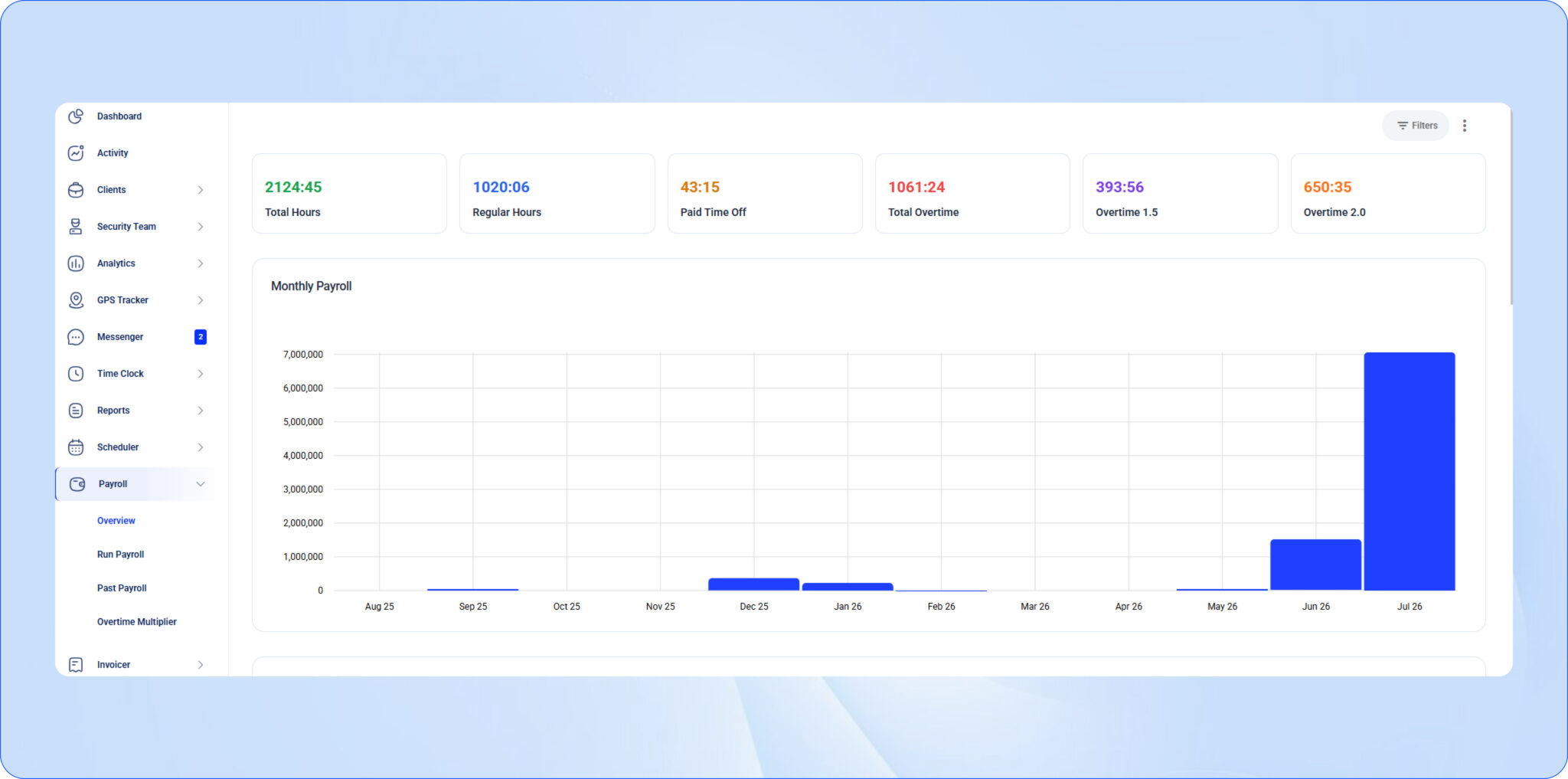
Data-driven decision-making is becoming increasingly important for private security firms.
Reporting capabilities should provide insight into:
- Staffing performance
- Attendance trends
- Patrol completion rates
- Incident activity
- Operational efficiency
These insights help managers identify opportunities for improvement and make informed business decisions.
Choosing Software Based on Your Company’s Size
Not every security officer management software platform is designed for the same type of business.
Small Security Companies
Smaller firms often benefit from software that emphasizes simplicity and affordability.
Priority features may include:
- Scheduling
- Timekeeping
- Mobile communication
- Basic reporting
Avoid paying for advanced enterprise features that may not be necessary at your current stage.
Mid-Sized Security Firms
As operations expand, visibility and automation become increasingly important.
Look for:
- Real-time tracking
- Automated scheduling
- Client portals
- Compliance tools
- Workforce analytics
These capabilities can help support growth without requiring additional administrative staff.
Enterprise Security Organizations
Large security providers typically require a comprehensive software for security companies that can manage complex operations across numerous sites and clients.
Enterprise-focused requirements often include:
- Multi-location management
- Advanced reporting
- Workflow automation
- System integrations
- Custom permissions
- Scalable infrastructure
Questions to Ask Before Selecting a Vendor
Before making a decision, ask potential vendors the following questions:
- Is the platform designed specifically for private security companies?
- Does the software include real-time guard tracking?
- Can guards complete all required tasks through a mobile app?
- How does the system handle schedule changes and open shifts?
- What reporting capabilities are included?
- Are client-facing portals available?
- What integrations are supported?
- How is customer support provided?
- How long does implementation typically take?
- What additional costs should we expect after deployment?
The answers can help you compare vendors more effectively and avoid unexpected expenses later.
Red Flags to Watch Out For
When evaluating solutions, be cautious of platforms that:
- Focus only on scheduling
- Lack mobile functionality
- Offer limited reporting capabilities
- Require extensive manual processes
- Have poor user adoption among field staff
- Provide unclear pricing structures
- Cannot scale with business growth
Selecting the wrong platform can create operational challenges that are costly to reverse.
Your Security Software Evaluation Checklist
Before finalizing your decision, ensure the solution provides:
✓ Workforce scheduling and shift management
✓ Real-time guard tracking
✓ Mobile guard application
✓ Incident reporting tools
✓ Timekeeping and payroll support
✓ Client transparency features
✓ Operational reporting and analytics
✓ Scalability for future growth
✓ Reliable customer support
✓ Security industry-specific functionality
The more boxes a platform checks, the more likely it is to support your operational goals long term.
Conclusion
Choosing the right security guard management software is an important decision for any private security firm. The best solution should do more than manage schedules. It should provide visibility into field operations, improve workforce accountability, streamline reporting, and help your organization scale efficiently.
Rather than focusing solely on price, evaluate how each platform supports your operational requirements, workforce size, client expectations, and growth plans. Investing in the right software today can improve service quality, reduce administrative burden, and create a stronger foundation for future expansion.
Start your free 30-day trial of GuardsPro today and experience how smarter systems simplify multi-site security.
Sign up within 15 days to unlock an exclusive 15% discount on your subscription.
Prefer a walkthrough?
Book a live demo and explore how GuardsPro helps you manage scheduling, reporting, and operations across all your sites.
Have questions or feedback?
Get in touch anytime; we’re here to help, and your input helps us keep improving for teams like yours.
FAQs
What is the difference between security guard management software and a guard tour system?
What should a private security firm look for in management software?
Is there security guard management software built specifically for small businesses?
How much does security guard management software cost per month?
What are the top-rated security guard management software options for workforce scheduling?
Book a live demo and discover how GuardsPro helps security companies manage guards, patrols, reporting, scheduling, and operations from one connected platform.
Prefer a walkthrough?
Book a live demo and explore how GuardsPro helps you manage scheduling, reporting, and operations across all your sites.
Have questions or feedback?
Get in touch anytime; we’re here to help, and your input helps us keep improving for teams like yours.