A single deleted row. That’s all it takes.
One supervisor sorts a payroll sheet the wrong way, overwrites a formula, or saves over last week’s version, and suddenly you can’t prove a guard worked the shift you billed for. No backup. No audit trail. No way to know who changed what, or when.
For years, spreadsheets have been the quiet backbone of security operations. Guard schedules, attendance, incident logs, payroll — all of it crammed into rows and columns because it felt simple and free. But “free” has a price, and in 2026 that price is risk. Data you can’t trust. Records you can’t defend. Liability you can’t see coming.
The companies pulling ahead have already figured this out. They’ve traded fragile spreadsheets for purpose-built security guard management software, not because it’s trendy, but because the risks of staying put got too big to ignore.
Here’s exactly where spreadsheets expose your business, and what to do about it.
The Real Problem: Spreadsheets Were Never Built for Security
Let’s be clear about something. Spreadsheets are brilliant tools for what they were designed to do. Budgets. Quick calculations. One-off lists.
They were never designed to run a live security operation across dozens of sites, with shifting schedules, time-sensitive incidents, and clients demanding proof of every patrol. Forcing that job onto a spreadsheet doesn’t just slow you down. It quietly stacks up risk in places you won’t notice until something breaks.
Below are the seven risks that should worry any security company still running on sheets.
1. Data Security Risk: Anyone Can Edit, Anyone Can Delete
This is the one most owners never think about until it bites them.
A spreadsheet has almost no real access control. Whoever can open the file can change the numbers overwrite an attendance log, “fix” an overtime entry, or delete a record entirely. And when it happens, there’s usually no trace. No timestamp. No name attached to the change.
That’s a serious problem for a business whose entire value rests on trust and verifiable records.
How to Fix It
- Move to a system with role-based access. Proper security guard management software controls who can see and edit what, so a guard can’t alter their own hours and a supervisor can’t quietly rewrite history.
- Insist on a tamper-proof audit trail. Every check-in, edit, and report should be time-stamped and attributed automatically.
- Stop emailing files around. Shared spreadsheet files multiply across inboxes and drives, and every copy is a leak waiting to happen.
⚠️ Common Mistake: Password-protecting a spreadsheet and assuming it’s “secure.” A password on a file isn’t access control it’s a speed bump, and one shared password protects nothing.
2. Payroll and Billing Liability
Spreadsheets run on manual data entry. And manual entry means errors not if, but how often.
A mistyped shift. A miscalculated overtime rate. A duplicated row. Each looks tiny on screen, but the consequences aren’t tiny at all. Underpay a guard and you’ve got a morale problem and possibly a labor complaint. Overbill a client and you’ve got a credibility problem. Either way, your money and your reputation are on the line.
As you add sites and staff, the error rate doesn’t grow in a straight line it compounds.
How to Fix It
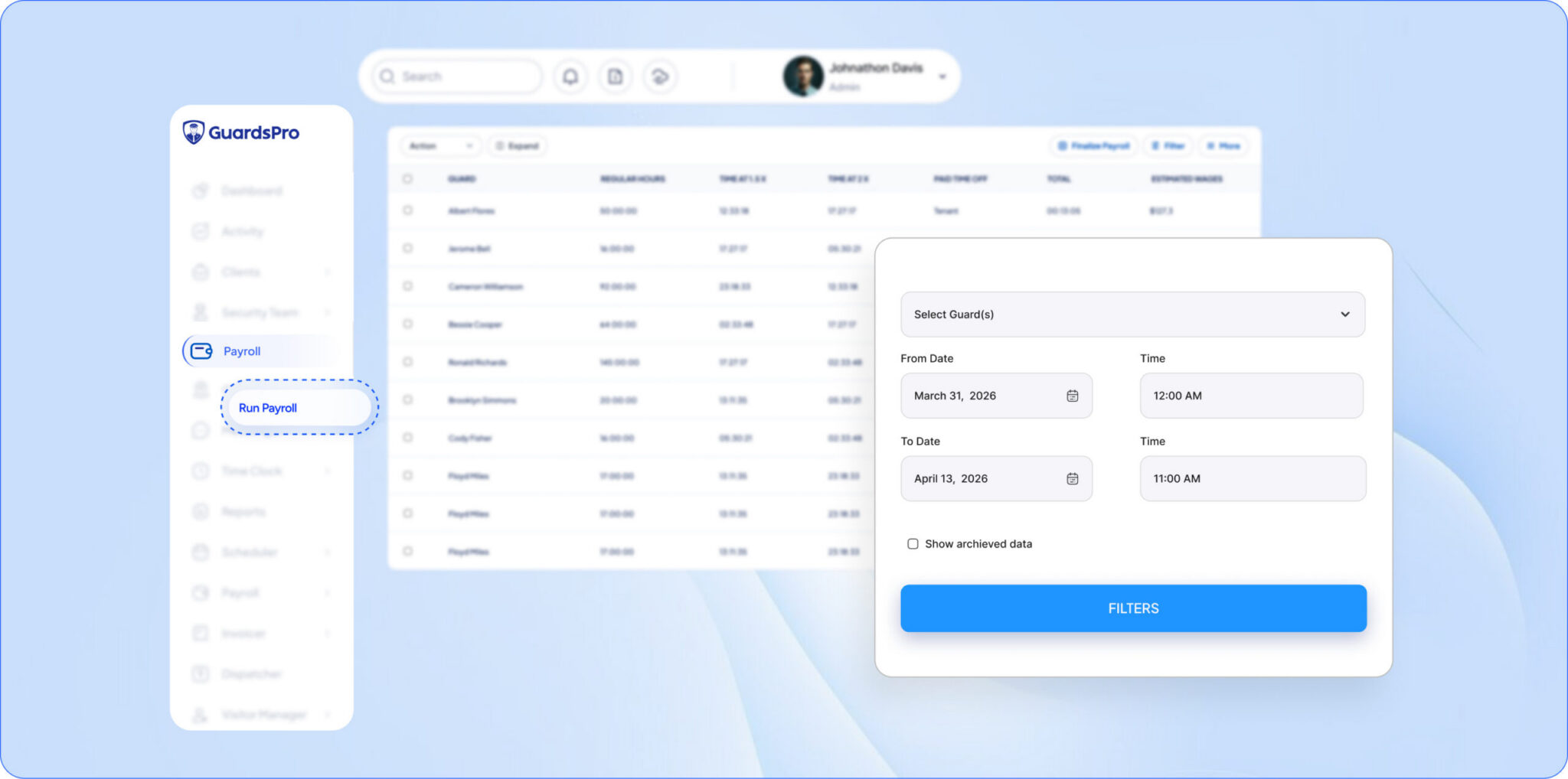
- Capture data from the source. When attendance flows automatically from a guard’s mobile check-in into your payroll, there’s no manual step to get wrong.
- Let the system do the math. Overtime, shift differentials, and totals calculated by software remove the human-error tax entirely.
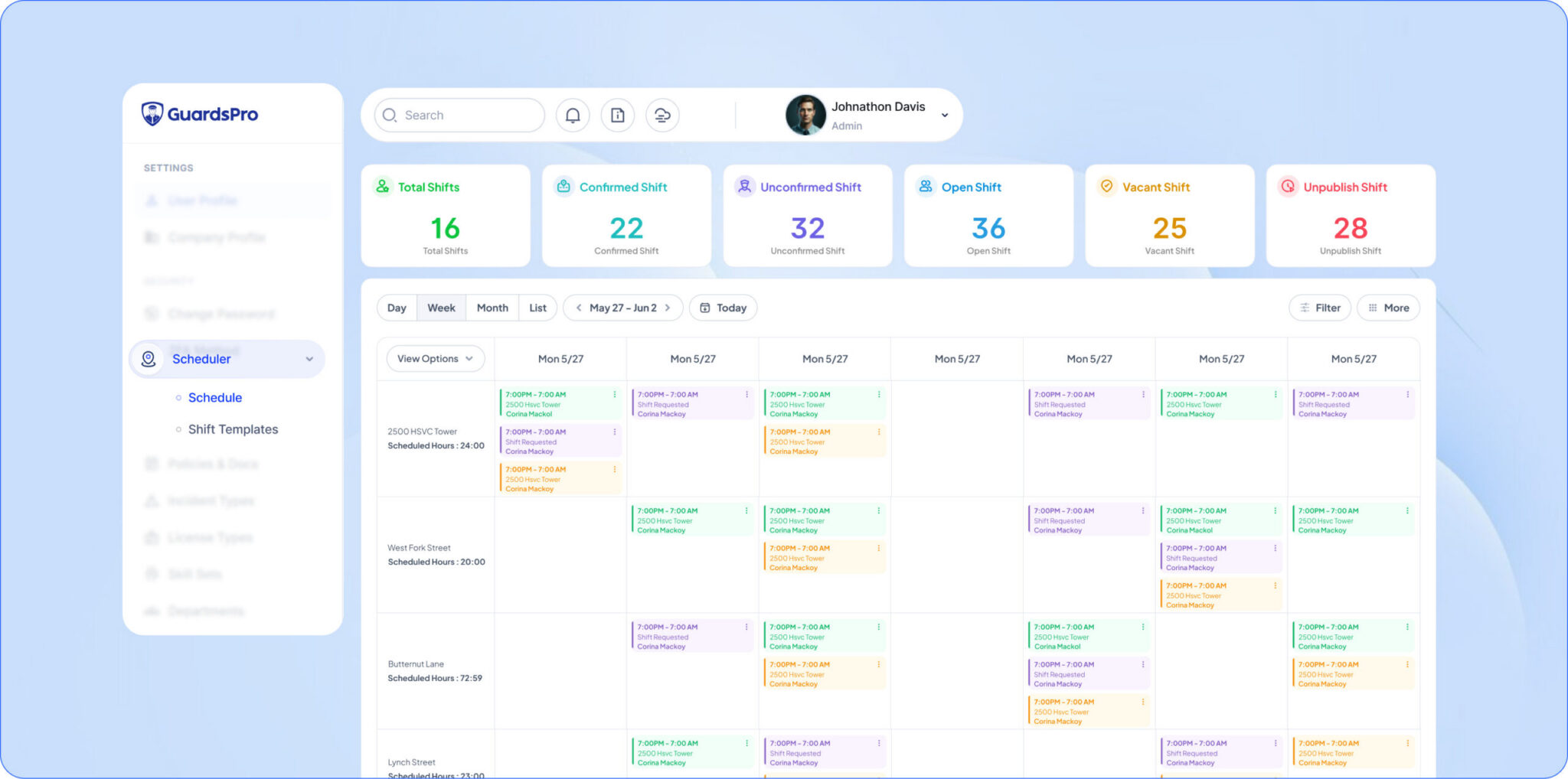
- Use security guard scheduling software that ties hours to billing. One source of truth for what you paid and what you charged keeps both sides defensible.
💡 Pro Tip: Reconcile payroll against billing the same way you reconcile a bank statement. With the right software for security companies, that reconciliation is a report you run in seconds not a weekend of cross-checking sheets.
3. Compliance and Audit Failure
Clients and regulators increasingly want proof not your word, proof that guards were present, patrols were completed, and incidents were documented properly and on time.
A spreadsheet can’t give you that. Entries can be backfilled hours after a shift. Logs can be edited with no record. Incident reports may lack a verifiable timestamp. When a client requests documentation for an audit or an insurance claim, “trust me, it’s in the sheet” doesn’t hold up.
That gap can cost you a contract. In a dispute, it can cost you a lot more.
How to Fix It
- Record everything automatically and immutably. Patrol scans, attendance, and reports should be captured live and locked.
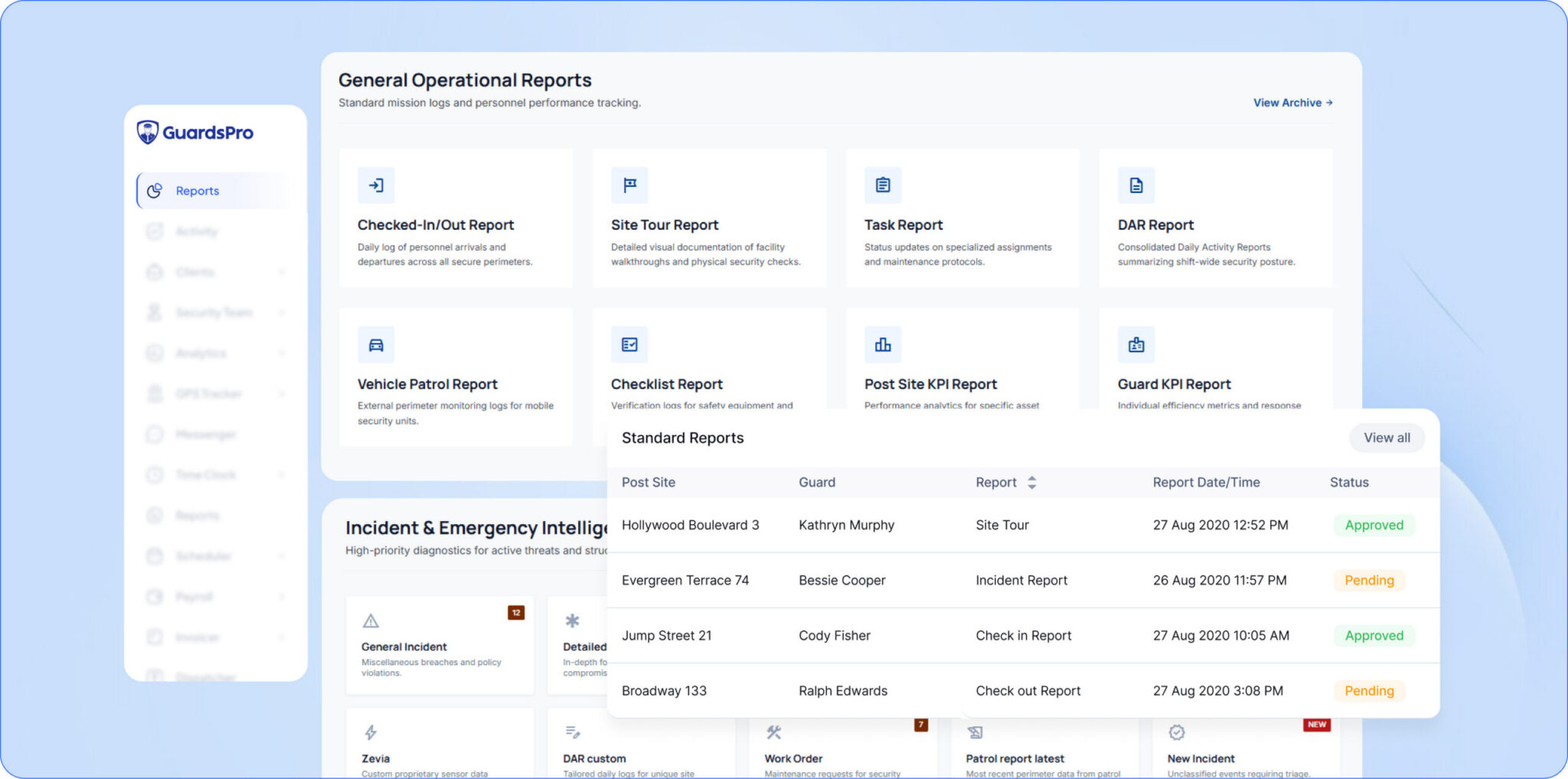
- Generate audit-ready documentation on demand. Good security reporting software turns months of activity into a clean, verifiable export instantly.
- Map your records to client requirements. Build report templates around exactly what your contracts and local regulations demand.
📌 Key Takeaway: In security, your records are your product. If you can’t prove the service happened, in the eyes of a client or a court, it didn’t.
4. Operational Blind Spots and Safety Risk
Here’s where spreadsheet risk stops being administrative and starts being physical.
Spreadsheets only tell you what already happened and only after someone updates them. If a guard misses a patrol, arrives late, or doesn’t show at all, you might not find out until the next morning’s report. By then a site sat unprotected for hours, and the window to respond is long gone.
In security, delayed information isn’t just inefficient. It’s dangerous.
How to Fix It
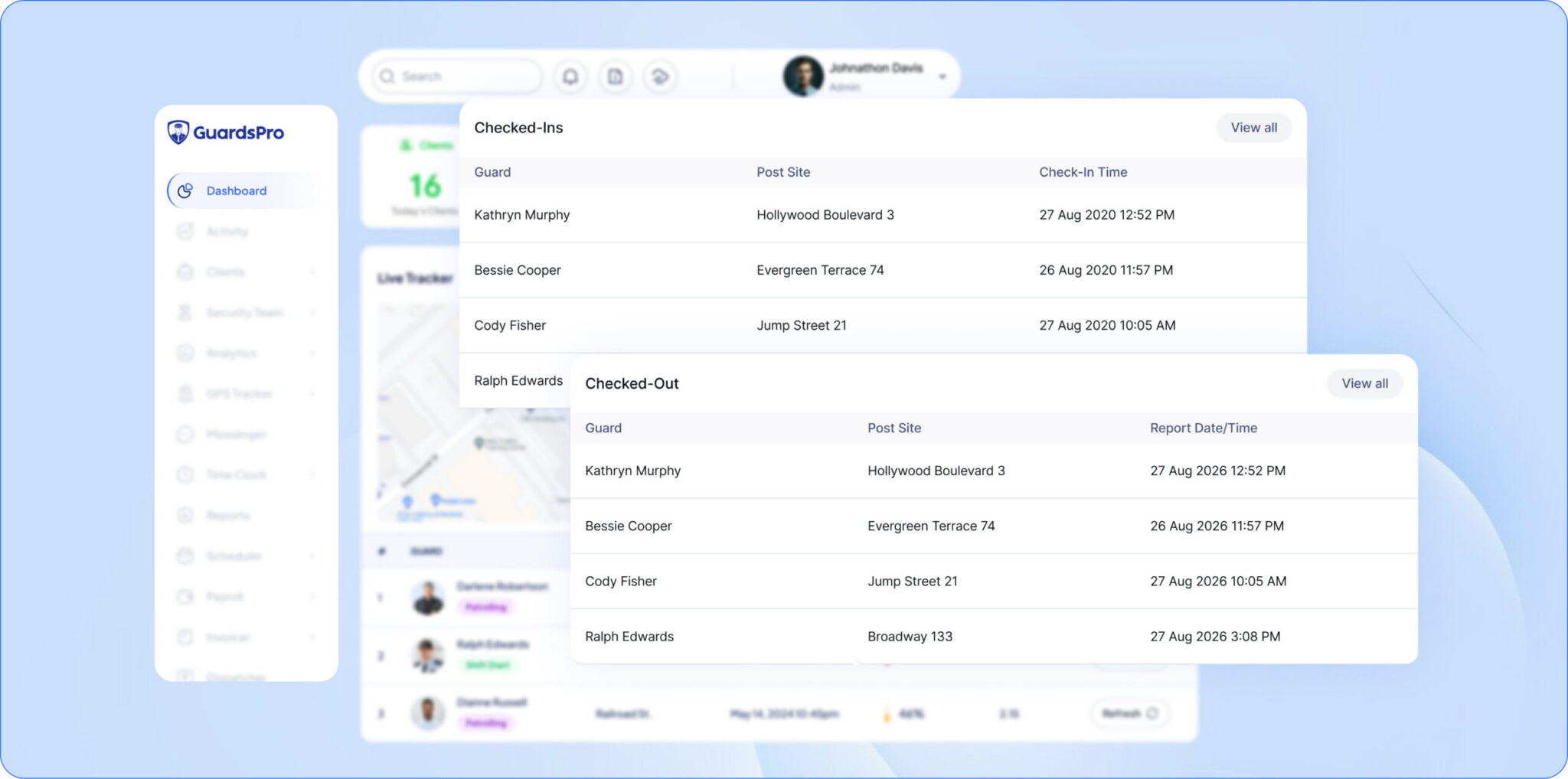
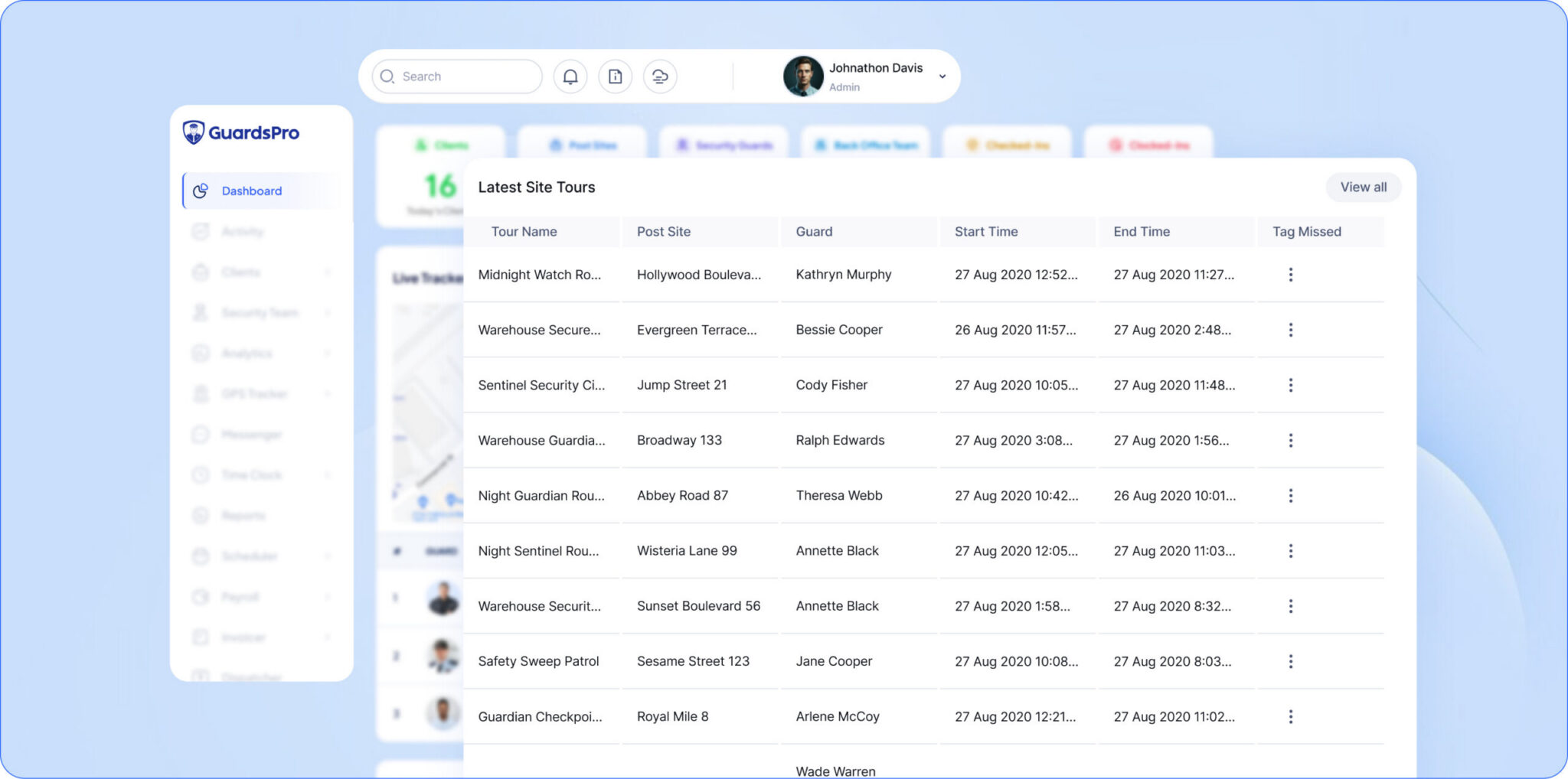
- Get live operational visibility. A real-time platform shows you who’s checked in, who’s late, and which patrols are still outstanding right now.
- Set alerts for the events that matter. Missed clock-ins, skipped patrols, and incident reports should ping your back office instantly.
- Act, don’t react. When you see a no-show as it happens, you can dispatch a replacement before the client ever notices.
| Risk Area | With Spreadsheets | With Management Software |
| Knowing about a missed patrol | Hours later, if at all | Instant alert |
| Proving a guard was on-site | Editable, unverifiable | Time-stamped, locked |
| Payroll accuracy | Manual, error-prone | Automated from source |
| Producing an audit report | Hours of compiling | A few clicks |
| Recovering lost data | Often impossible | Cloud-backed, secure |
5. Accountability Gaps That Erode Client Trust
Security runs on accountability. Clients pay you to guarantee coverage and to show your work.
Spreadsheets undermine that on every level. Because entries can be edited after the fact and logs entered late, the data carries an asterisk. Even when your guards do everything right, you can’t fully prove it. And a client who can’t verify your service is a client already shopping for a replacement.
How to Fix It
- Give clients their own window in. A client portal lets them log in and view reports, patrol history, and schedules themselves transparency that builds loyalty.
- Make proof automatic. When verification is built into every patrol scan and check-in, accountability stops being a promise and becomes a fact.
- Turn transparency into a sales edge. Offering verifiable, real-time reporting wins contracts that paper-and-spreadsheet competitors can’t touch.
6. Scalability Risk: Growth Breaks the System
Plenty of security companies start with spreadsheets when they’re running two or three sites. At that size, it feels manageable.
Then you grow. More sites, more guards, more schedules, more payroll runs. The single tidy sheet splinters into a dozen files scattered across supervisors, departments, and drives. Version control collapses nobody’s sure which file is current. Visibility drops just as the stakes rise.
The tool that once helped you start now actively holds you back.
How to Fix It
- Centralize on one cloud platform. Purpose-built security company management software keeps every site, guard, and report in a single system that grows with you.
- Standardize your setup. Templated schedules, post orders, and reports mean onboarding a new site takes minutes.
- Remove the version-control gamble. One live database means there’s never a question of which copy is right there’s only one.
💡 Pro Tip: If winning a new contract triggers a small internal panic about “where do we even put this,” that’s not a growing pain it’s your spreadsheet system telling you it’s out of room.
7. Data Loss: One File, One Point of Failure
Finally, the risk hiding in plain sight. A spreadsheet is usually a single file living on a single machine or drive. Corruption, an accidental overwrite, a crashed laptop, or a departing employee who “cleaned up” their folders any one of them can erase months of operational records in a moment.
No backup. No recovery. Just gone.
How to Fix It
- Use cloud-based shift management software with automatic backups. Your data lives on secure, redundant servers, not on one fragile device.
- Decouple data from individuals. Records should belong to the company and survive any staff change.
- Treat data as an asset. Your operational history has real value for billing, for disputes, for improving operations. Protect it like one.
The Smarter, Safer Alternative
The pattern across all seven risks is the same: spreadsheets put your data, your money, and your reputation in a fragile place, then leave you hoping nothing goes wrong.
Purpose-built guard management software closes those gaps by design. Scheduling, time tracking, patrol monitoring, reporting, payroll, and client transparency all live in one secure, cloud-based system. Records are captured automatically, locked against tampering, and backed up by default.
That’s the difference between hoping you can prove your service and knowing you can.
Frequently Asked Questions
Are spreadsheets safe for managing security operations?
What's the biggest risk of using spreadsheets in a security company?
How does security guard management software reduce risk?
What's the best alternative to spreadsheets for security guard scheduling?
Is it hard to switch from spreadsheets to security software?

It’s how much they might be holding your company back.
Ready to see what GuardsPro can do for your operation? Sign up for your free 30-day trial now and experience the difference firsthand. Act within the first 15 days and you will also lock in an exclusive 15% discount on your subscription.
Want a walkthrough instead?
Book a live demo and discover how GuardsPro supports everything from scheduling and dispatch to mobile reporting.
Got feedback or questions?
Reach out to us anytime—we’d love to hear from you. Your feedback helps us improve and better support teams like yours.