Spreadsheets can work well when a security company is small.
A few guards. A handful of sites. One person handling schedules. A basic sheet for hours, another for client information, and maybe a few folders for reports.
Then the operation grows.
More guards are added. Clients request more information. Schedules change more often. Reports arrive from different places. Supervisors start maintaining their own versions of files.
Suddenly, the spreadsheet that once kept everything organized starts creating more work.
That is often when security management software becomes less of a convenience and more of an operational need.
The question is not whether spreadsheets are useful.
It is when they stop being enough for the way your security company operates.
When Different Versions of the Same Spreadsheet Start Circulating
One of the first warning signs is version confusion.
A supervisor updates the schedule, but another manager still has yesterday’s file. A guard is reassigned, but someone is working from an older copy. Attendance information is updated in one spreadsheet while another team is using a different version.
The problem is no longer the spreadsheet itself.
It is that several people need current information at the same time.
Purpose-built security management software gives teams a shared operational system rather than multiple copies of the same information.
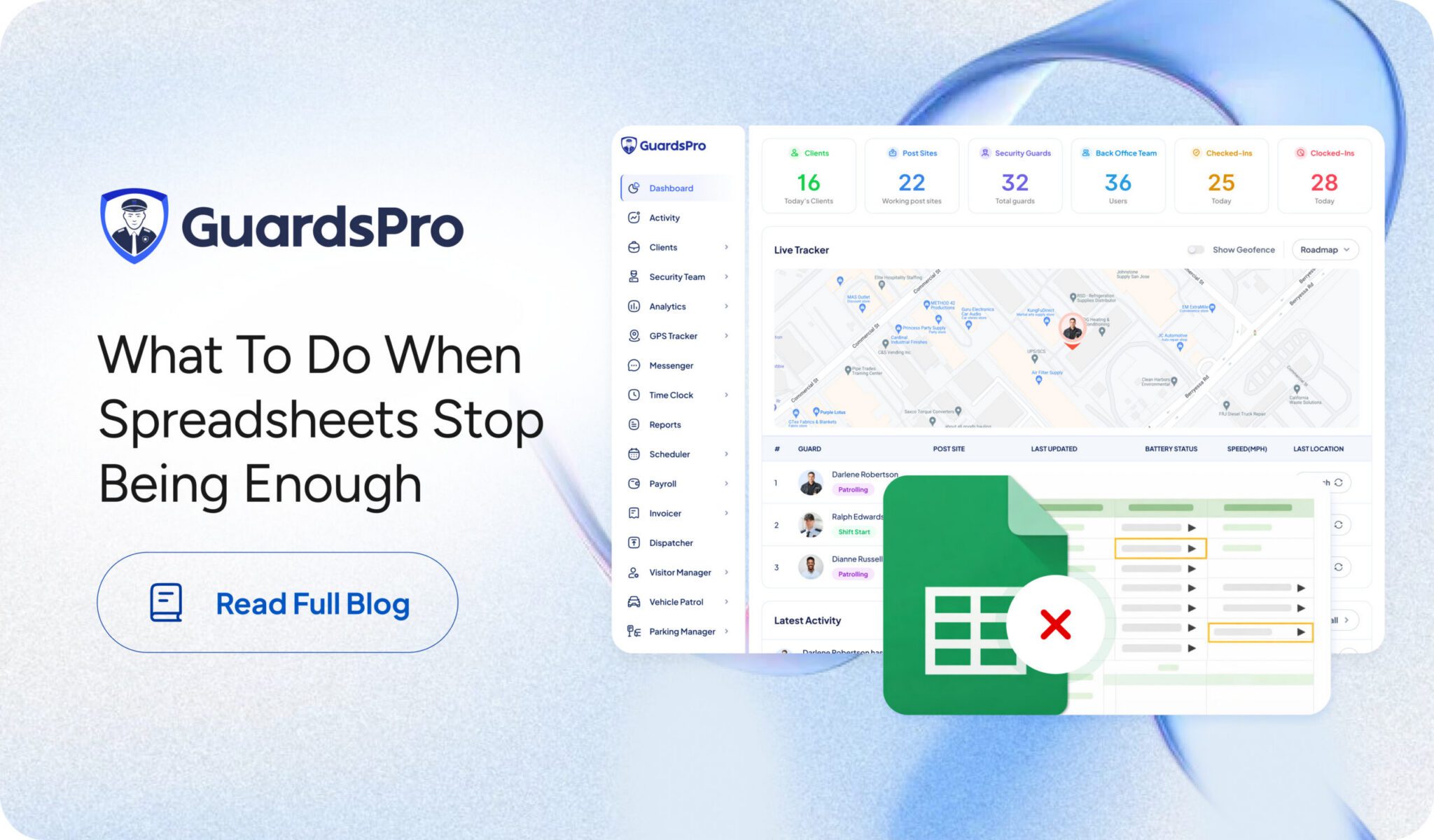
With GuardsPro, managers can bring clients, post sites, guards, field activity, time tracking, reporting, GPS information, and other workflows together through its broader security management features. GuardsPro’s current platform also includes client and post-site profiles, reporting, time management, user access controls, analytics, and other operational tools.
For a deeper look at the risks of staying too dependent on manual files, GuardsPro has also covered why spreadsheets are a risk for security companies. The article highlights issues such as version errors, unreliable audit trails, and difficulty proving what changed and when.
When Scheduling Requires Constant Calls and Manual Updates
Security schedules change constantly.
A guard calls out. Someone requests time off. A shift opens unexpectedly. A client asks for additional coverage.
Handling a few changes manually may be easy.
Handling them every day across multiple guards and sites is not.
If supervisors are spending too much time updating files, calling guards individually, checking availability, and confirming which version of the schedule is current, the process may have outgrown the tool being used.
A guard management system can help connect scheduling with attendance, availability, time off, guard information, and site requirements.
The goal is not simply to create a better-looking digital schedule.
It is to reduce the number of manual steps required every time something changes.
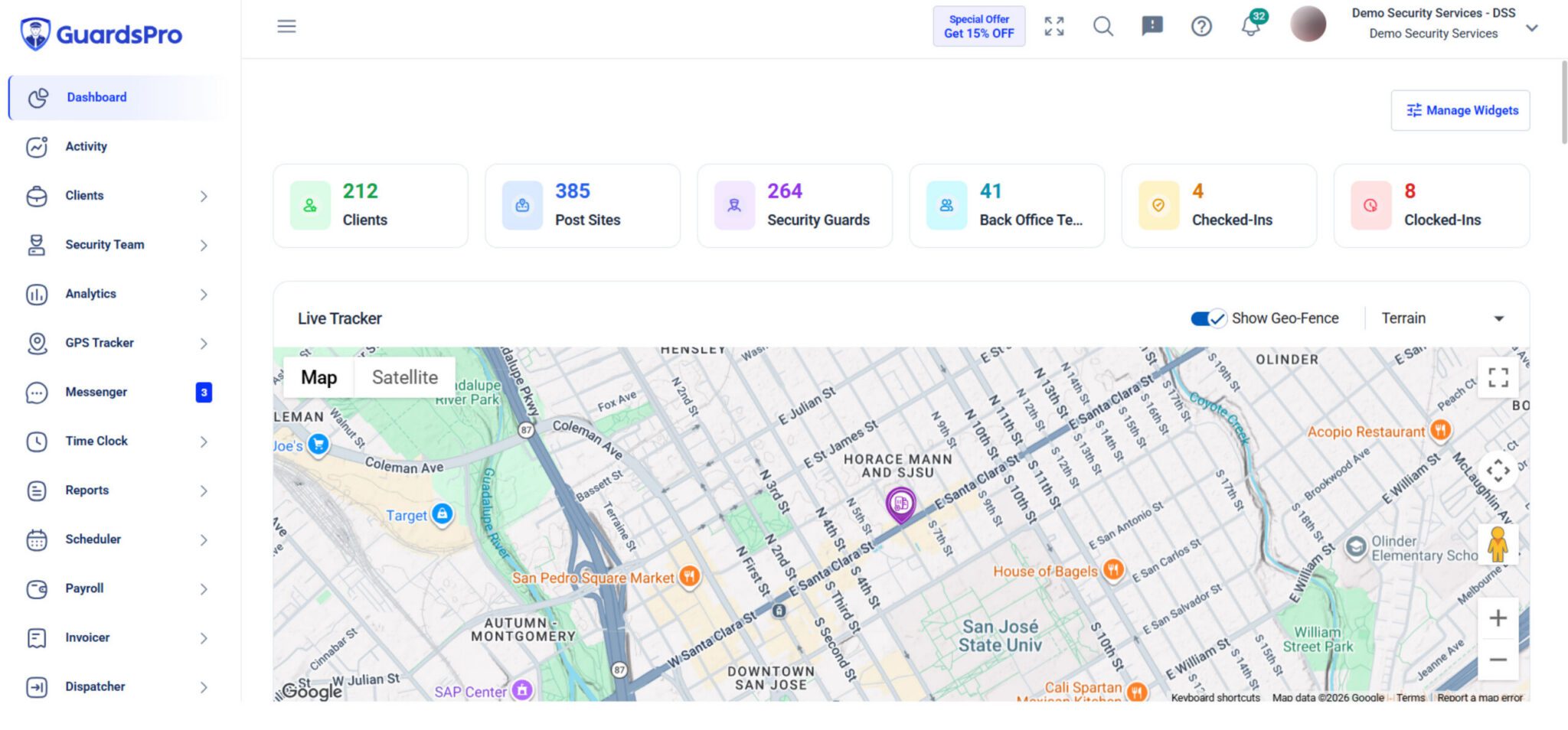
GuardsPro brings scheduling and workforce activity into the same broader guard tour management system, alongside reporting, GPS tracking, time clock, analytics, and other operational workflows.
When You Cannot Easily See What Is Happening in the Field
Spreadsheets are useful for storing information that has already been entered.
They are much less useful when managers need to understand what is happening right now.
Is the guard at the assigned site?
Did the shift begin?
Was the patrol completed?
Has an incident been reported?
What happened earlier in the shift?
When answering those questions requires phone calls and manual follow-up, managers are working reactively.
Security operations software can bring live and historical field information closer to the back office.
GuardsPro combines live tracking, GPS history, reporting, time clock, geofencing, site tours, alerts, and other operational tools within its security management platform.
The field side matters too. Through the GuardsPro Guard Mobile App, guards can access schedules and Post Orders, check in or out, submit reports, complete tours, manage assigned tasks, request time off, and stay connected with the back office.
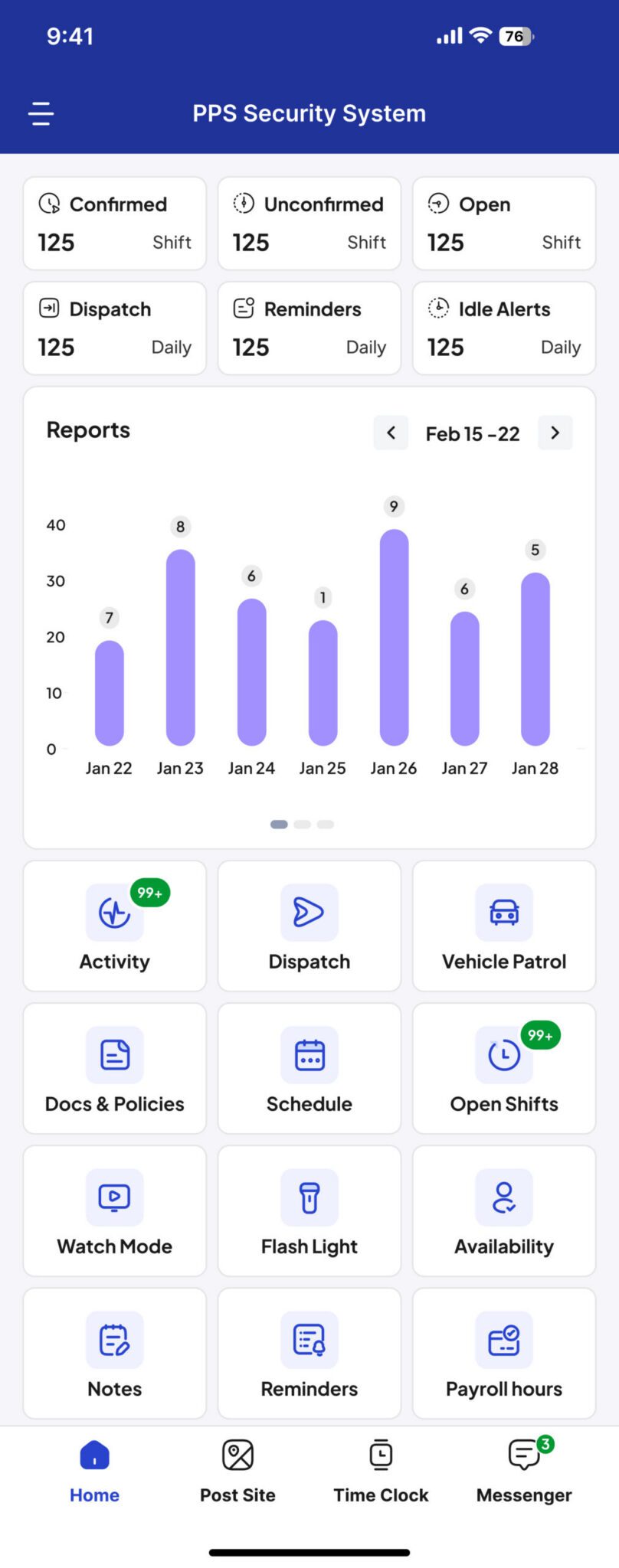
That gives managers better operational visibility without requiring every update to begin with another phone call.
When Reporting Becomes a Manual Collection Process
Security companies generate a lot of information.
Daily activity reports. Incident reports. Patrol records. Attendance information. Site updates. Photos. Checkpoint activity.
If the back office has to collect those records from paper forms, emails, messages, and separate files before anyone can review them, reporting becomes another administrative task.
That creates delays and makes it harder to maintain a clear record of what happened.
With security management software, field activity can be captured digitally and kept closer to the rest of the operation.
For a security company, that means reporting becomes part of the workflow rather than something managers have to reconstruct afterward.
It also becomes easier to answer one of the most common client questions:
“What happened at my site?”
GuardsPro supports general, incident, standard, log, and custom reporting, with records that can include relevant operational data, GPS information, timestamps, and supporting media.
The stronger the reporting process, the less time managers spend searching for the answer.
When Clients Expect More Visibility
As security companies grow, client expectations often grow with them.
A client may no longer be satisfied with receiving a report once a week or calling the office whenever they need an update.
They may want easier access to reports, incidents, patrol activity, schedules, or other information related to their locations.
This is difficult to provide through spreadsheets alone.
A connected security operations platform can give clients controlled access to relevant information without exposing internal management workflows.
Through the GuardsPro Client Web Portal, clients can review information such as reports, incidents, schedules, Post Orders, site tours, guard activity, and other site data depending on their permissions and enabled modules.
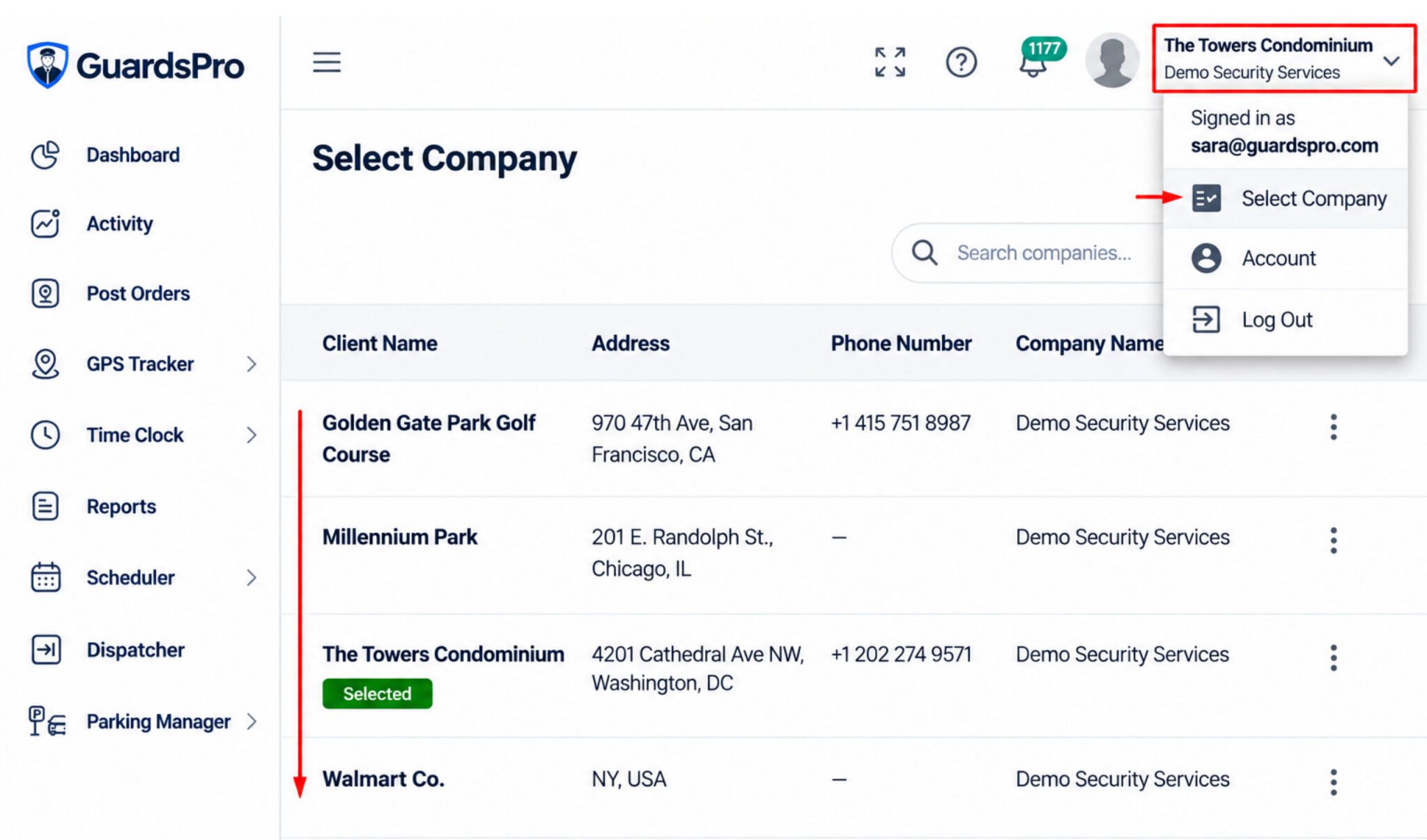
This can also reduce the amount of manual work for the back office because every client question does not necessarily need to become another request for someone to locate and forward information.
When Growth Starts Creating More Administration Than Opportunity
Adding another client should be good news.
But growth becomes difficult when every new client also means another spreadsheet, another scheduling file, another reporting process, and another set of manual follow-ups.
That is one of the clearest signs a company may be ready for security guard management software.
As operations grow, managers need processes that can be repeated without rebuilding the system every time another guard or post site is added.
Centralized client profiles, post-site records, guard information, time tracking, reporting, user access, and operational logs help keep information structured as the business expands. GuardsPro currently supports these kinds of core management capabilities across its plans.
This is where software starts supporting growth rather than simply replacing Excel.
What Should Move Out of Spreadsheets First?
Switching to software does not mean every spreadsheet has to disappear.
Spreadsheets can still be useful for one-off analysis, calculations, exports, or internal planning.
The workflows worth moving first are usually the ones that depend on current information, frequent changes, several users, and activity happening in the field.
For a security company, that often means schedules, attendance, guard and post-site management, reports, incidents, patrols, GPS activity, Post Orders, tasks, and client access.
The purpose is not to digitize everything just because software exists.
Move the processes where manual administration is already slowing the operation down.
How to Know If Your Security Company Is Ready
A useful way to decide is to look at how much work your team is doing around the spreadsheet.
Are supervisors constantly reconciling different versions?
Are guards being contacted individually for information that should already be available?
Are client reports assembled manually?
Is older operational data difficult to find?
Does adding another site create noticeably more administration?
If several of those problems sound familiar, the issue may no longer be how the spreadsheet is designed.
Your operation may have outgrown spreadsheets as its primary management system.
At that point, comparing the price of software only against the cost of Excel misses the bigger picture.
The more useful question is:
How much time and operational effort is the current process already costing your team?
Security companies considering a switch can review GuardsPro pricing and plans to compare available tiers and determine which set of features fits their operation. GuardsPro currently lists Essential, Advanced, and Professional plans with different feature levels for growing teams.
The Bottom Line
There is nothing wrong with starting with spreadsheets.
The problem begins when the business changes but the management process does not.
More guards, more client sites, more reports, more schedule changes, and more requests for information eventually require data to move faster than manual files can comfortably support.
That is when security management software starts making sense.
The right time to switch is not based on a specific number of guards or clients.
It is when your team spends too much time updating, reconciling, searching for, and manually sharing information instead of managing the security operation itself.
A spreadsheet can hold your data.
A purpose-built system should help you run the operation behind it.

Move Beyond Spreadsheets With GuardsPro
GuardsPro brings guard management, tracking, reporting, time management, patrols, client access, and workforce workflows into one connected platform.
Instead of piecing together day-to-day operations across spreadsheets and separate tools, security companies can manage more of the operation from one system.
You can start a free 30-day trial of GuardsPro, learn more about the platform, or book a live demo to see how it could fit your current workflow. If you have questions before making the switch, you can also contact GuardsPro.
FAQs
When should a security company switch from spreadsheets to security management software?
A company should consider switching when spreadsheets create repeated version problems, schedules require too much manual coordination, records are difficult to find, reporting takes too much administrative time, or managing new guards and sites creates noticeably more work.
What is security management software?
Security management software is a digital system used to manage security operations such as guards, post sites, schedules, attendance, reporting, patrols, tracking, client information, and workforce activity.
Are spreadsheets still useful after switching to security management software?
Yes. Spreadsheets can still be useful for analysis, calculations, exports, and one-off internal tasks. The difference is that they no longer need to serve as the primary system for live operational management.
What are the benefits of security guard management software?
Security guard management software can centralize operational information, reduce manual administration, improve field visibility, simplify reporting, organize workforce activity, and make records easier to access.
Can security management software help with multiple client sites?
Yes. A centralized system can help companies keep guards, post sites, schedules, reports, patrols, and other information organized across multiple client locations.
How do I choose security management software for my company?
Start with the operational problems you need to solve. Look at the workflows your team currently manages manually, the features guards and supervisors actually need, ease of use, client access, reporting, scalability, integrations, support, and overall cost.