
[ez-toc]
Scheduling is one of the most important parts of running a security operation. Every shift must be covered, every guard must be assigned correctly, and every site must remain protected without interruption.
But for many security companies, scheduling still depends on spreadsheets, calls, text messages, and manual coordination.
At first, this may seem manageable. But as operations grow, manual shift planning quickly becomes one of the biggest operational bottlenecks.
Supervisors spend hours:
- Filling open shifts
- Handling last-minute replacements
- Confirming guard availability
- Correcting scheduling conflicts
- Managing overtime manually
The bigger the operation becomes, the harder it is to keep schedules organized.
This is exactly why modern companies are investing in security guard scheduling software.
Instead of relying on manual processes, security teams are using automation and real-time visibility to simplify scheduling and improve operational control. Platforms like GuardsPro help security companies centralize scheduling, automate routine tasks, and reduce the constant back-and-forth that slows operations down.
Why Manual Shift Planning Is Slowing Security Operations
Manual scheduling creates problems that often go unnoticed until operations begin to scale.
When schedules are managed through spreadsheets or scattered communication channels, even small mistakes can create larger operational issues.
A missed update can result in:
- Uncovered shifts
- Double bookings
- Late arrivals
- Overtime disputes
- Payroll discrepancies
Managers also lose valuable time constantly making calls, updating schedules, and coordinating replacements.
Over time, scheduling becomes reactive instead of organized.
This is where security guard scheduling software creates a major operational advantage. GuardsPro helps teams reduce manual coordination by automating scheduling workflows, sending instant notifications, and allowing supervisors to manage shifts from one centralized platform.
The Hidden Cost of Spreadsheet Scheduling
Spreadsheets may appear simple, but they often create hidden inefficiencies.
As operations grow, scheduling data becomes harder to manage across multiple sites, supervisors, and teams.
Common scheduling problems include:
- Conflicting shift assignments
- Outdated schedule versions
- Untracked overtime hours
- Delayed communication
- Missed attendance updates
The real cost is not just administrative effort. It is reduced operational visibility and slower decision-making.
When supervisors spend hours fixing schedules manually, they have less time to focus on improving operations or responding to client needs.
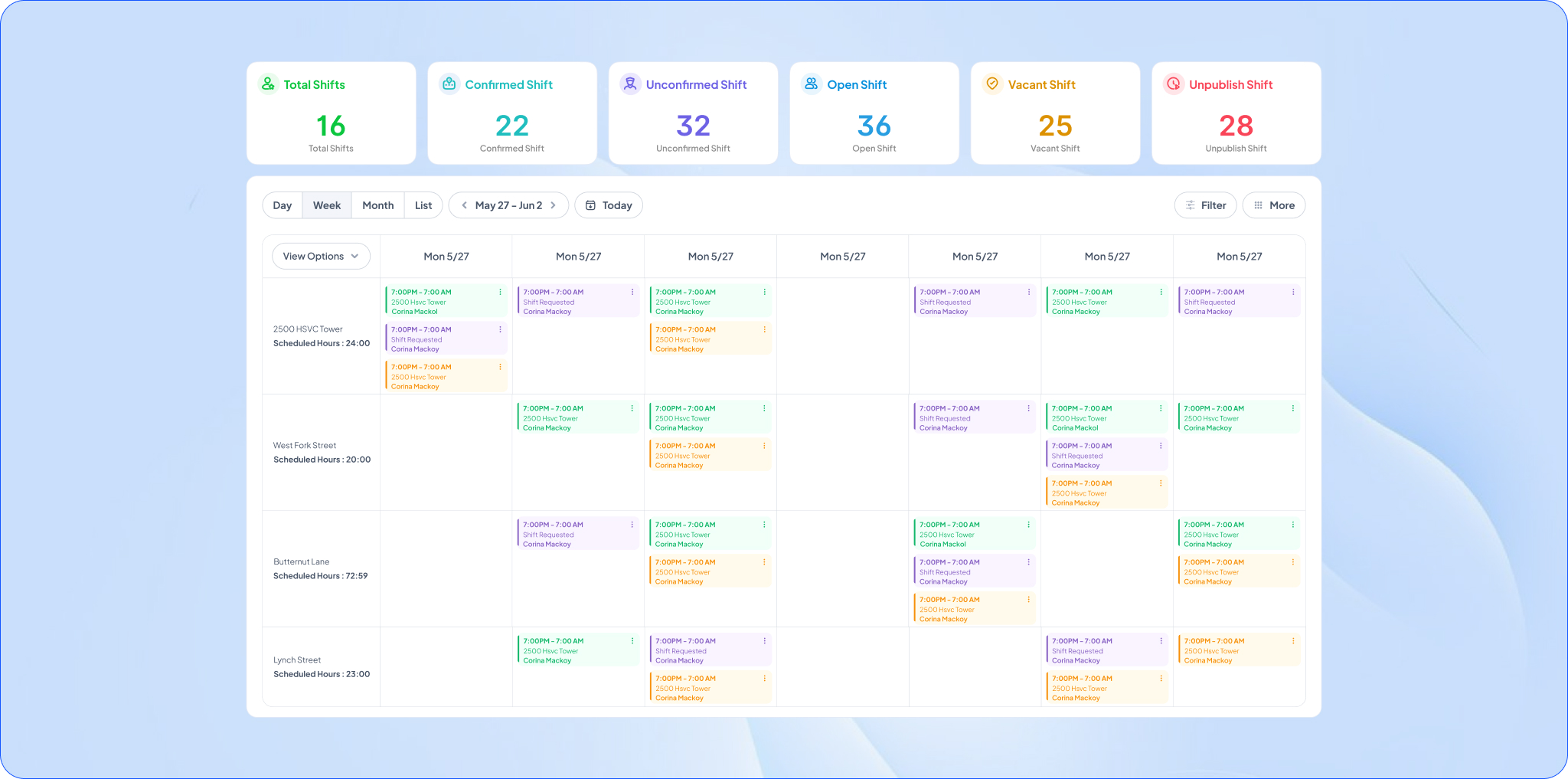
GuardsPro eliminates this fragmentation by keeping schedules, attendance, and workforce updates connected in one system. This gives managers a clearer view of operations without relying on spreadsheets or disconnected tools.
What Modern Security Guard Scheduling Software Should Actually Do
Scheduling software should do more than simply display shifts on a calendar.
A modern security scheduling system should help operations run faster, more accurately, and with less manual effort.
Essential capabilities include:
- Automated shift assignment
- Guard availability tracking
- Real-time schedule updates
- Mobile scheduling access
- Attendance integration
- Automated notifications
- Overtime monitoring
This is where security guard management software becomes especially valuable. Instead of handling scheduling separately from operations, everything works together in one connected system.
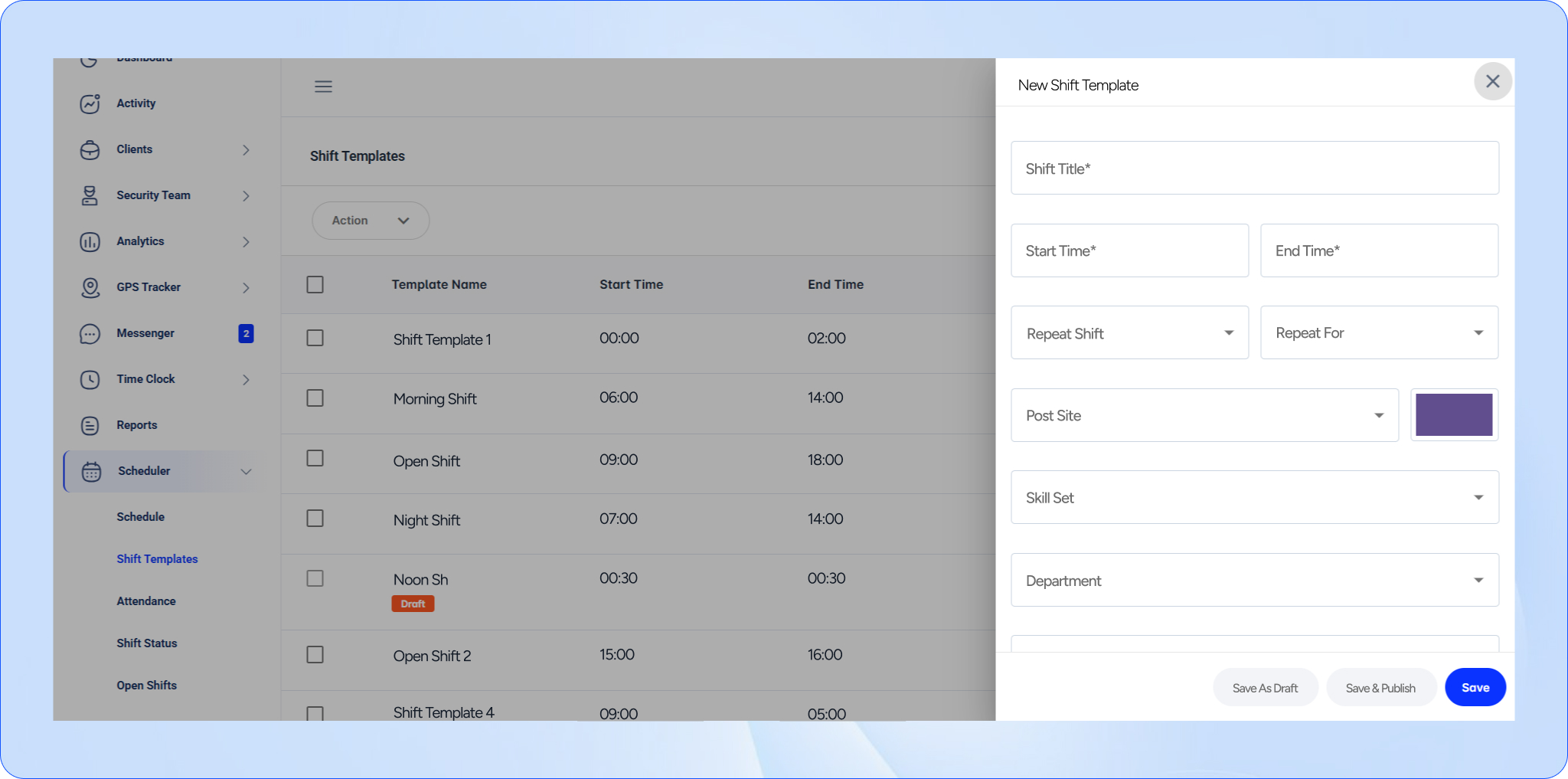
GuardsPro combines scheduling, attendance, reporting, and communication into a unified platform so managers can coordinate operations more efficiently without switching between multiple systems.
How Automation Improves Scheduling Efficiency
One of the biggest benefits of scheduling automation is speed.
Instead of manually contacting guards and updating schedules, managers can automate repetitive tasks like:
- Shift confirmations
- Open shift alerts
- Recurring schedules
- Availability-based assignments
- Schedule notifications
Using shift management software, teams can reduce scheduling delays while improving workforce coordination.
Automation also helps reduce confusion. Guards receive updates instantly, supervisors spend less time following up, and schedule changes become easier to manage.
With GuardsPro, supervisors can quickly fill open shifts, manage availability, and automate notifications directly from the platform. This reduces administrative workload while helping teams respond faster to staffing changes.
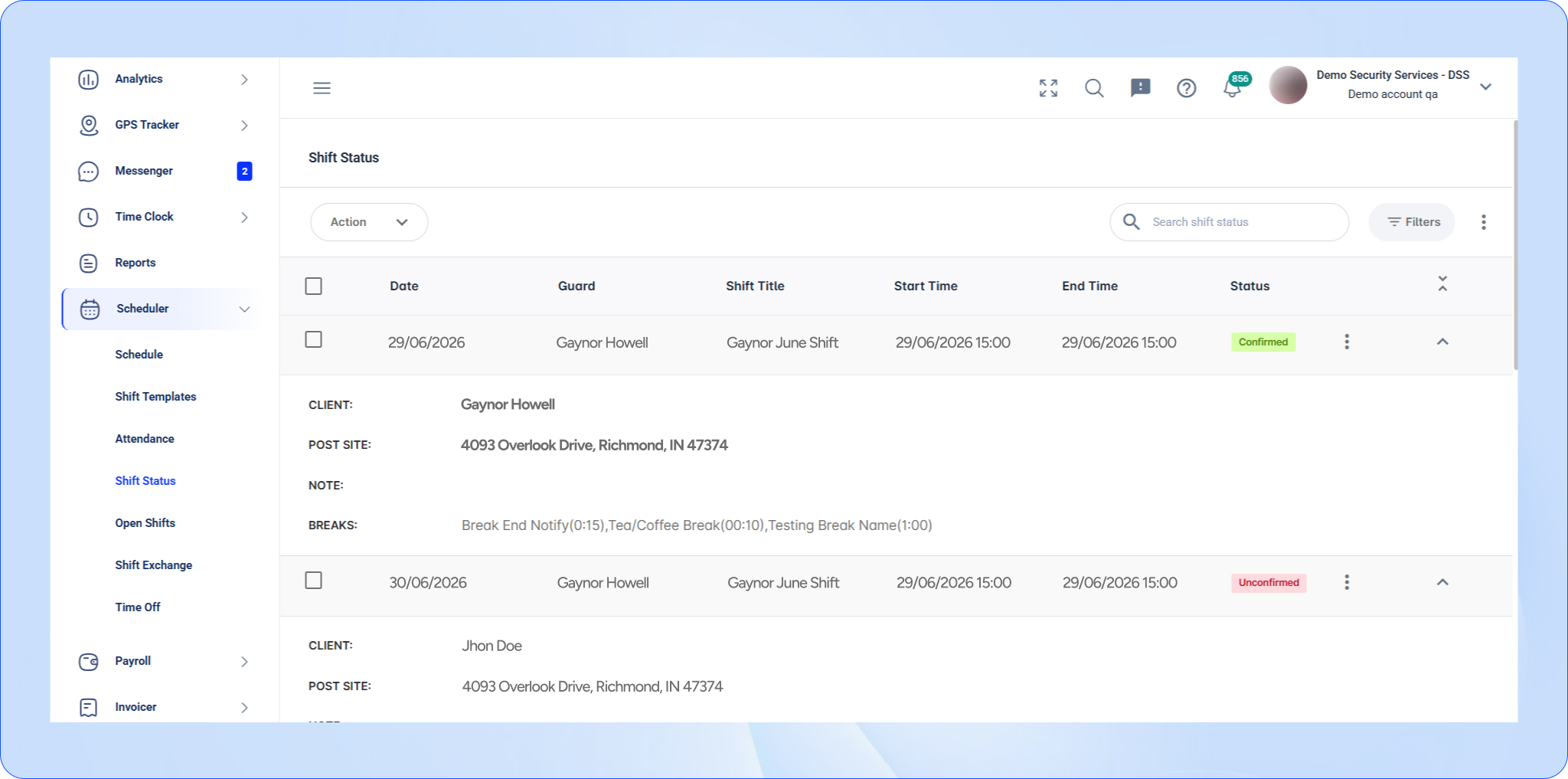
Why Real-Time Visibility Matters
Scheduling problems often happen because managers lack visibility.
Without live updates, supervisors may not know:
- Which shifts are still unfilled
- Which guards confirmed attendance
- Who clocked in late
- Where staffing shortages exist
This creates delays in response and increases operational risk.
Modern workforce management software gives managers a real-time view of schedules, attendance, and workforce activity across all sites.
GuardsPro improves operational visibility by allowing managers to monitor scheduling updates, attendance activity, and workforce changes in real time from one centralized dashboard.
This helps security companies stay proactive instead of constantly reacting to scheduling issues.
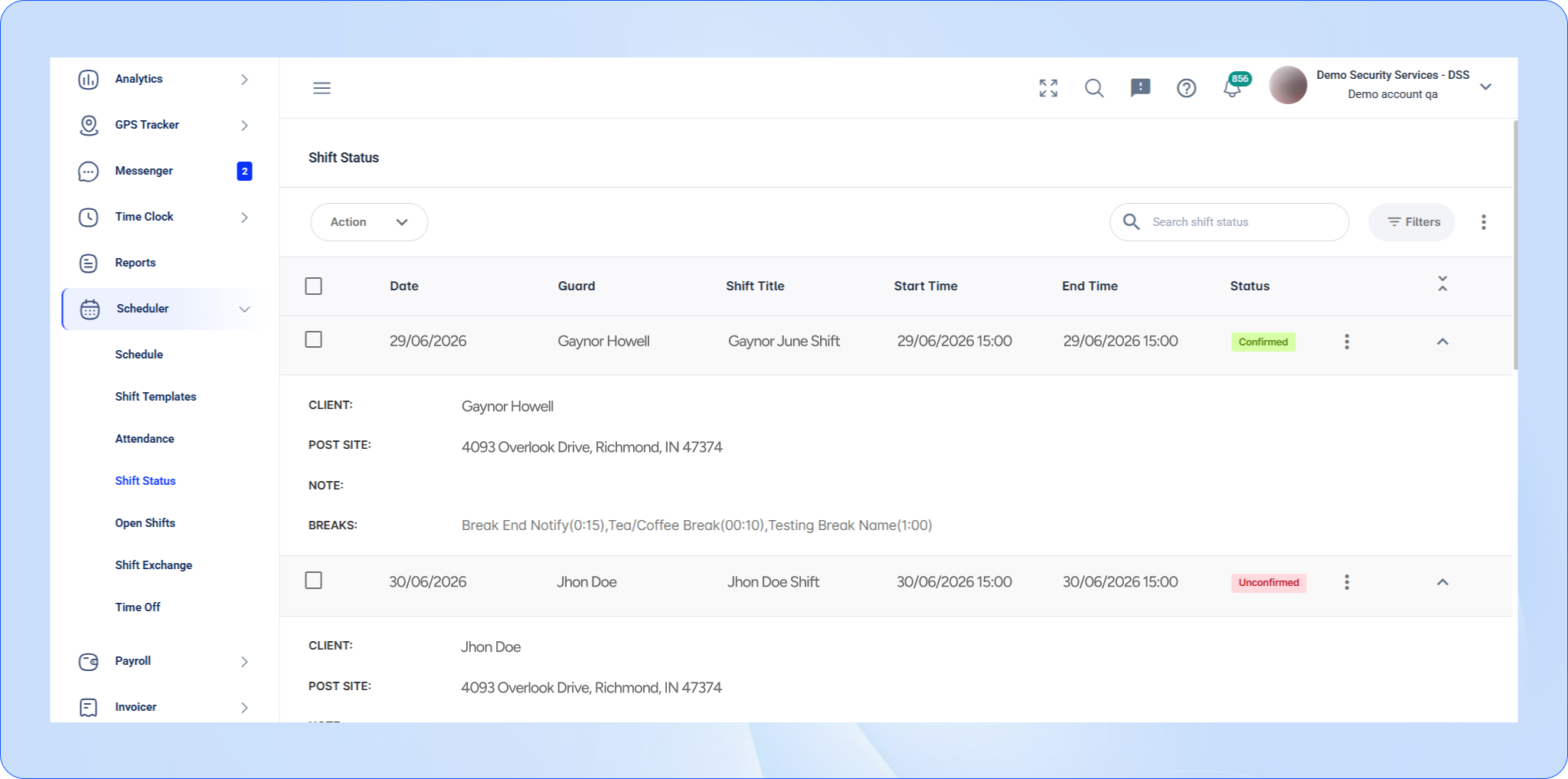
Reducing Overtime, No-Shows, and Payroll Errors
Scheduling directly impacts labor costs and operational efficiency.
Manual scheduling often leads to:
- Excess overtime
- Missed shifts
- Inaccurate attendance records
- Payroll disputes
When schedules and attendance are disconnected, correcting errors becomes time-consuming.
Modern scheduling systems reduce these problems by connecting workforce scheduling directly with attendance tracking and operational data.
This helps companies:
- Improve payroll accuracy
- Reduce unnecessary overtime
- Minimize no-shows
- Maintain proper staffing levels
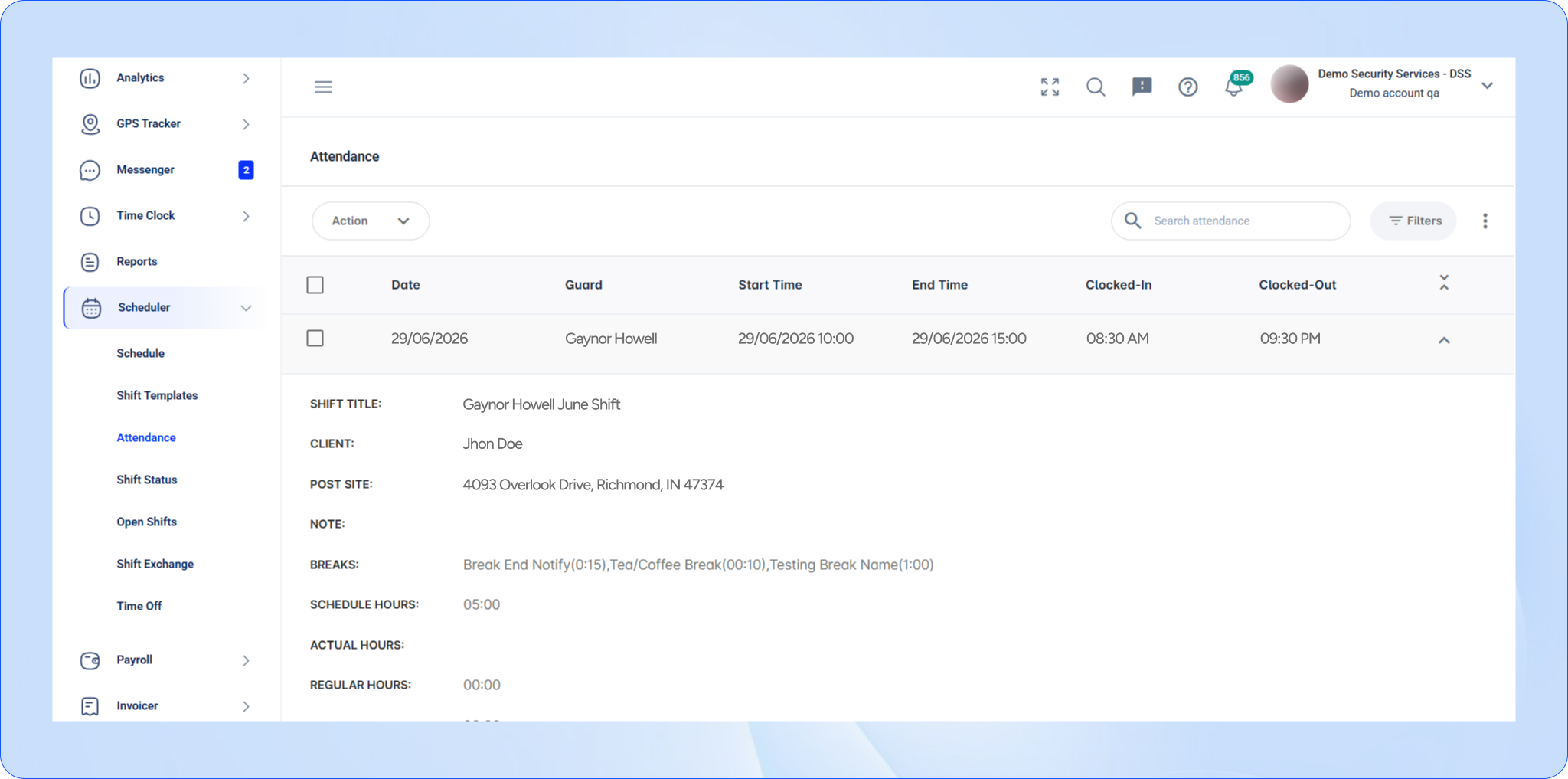
GuardsPro simplifies this process by integrating attendance tracking with scheduling workflows. Managers can verify attendance instantly, monitor overtime trends, and reduce payroll discrepancies caused by manual scheduling errors.
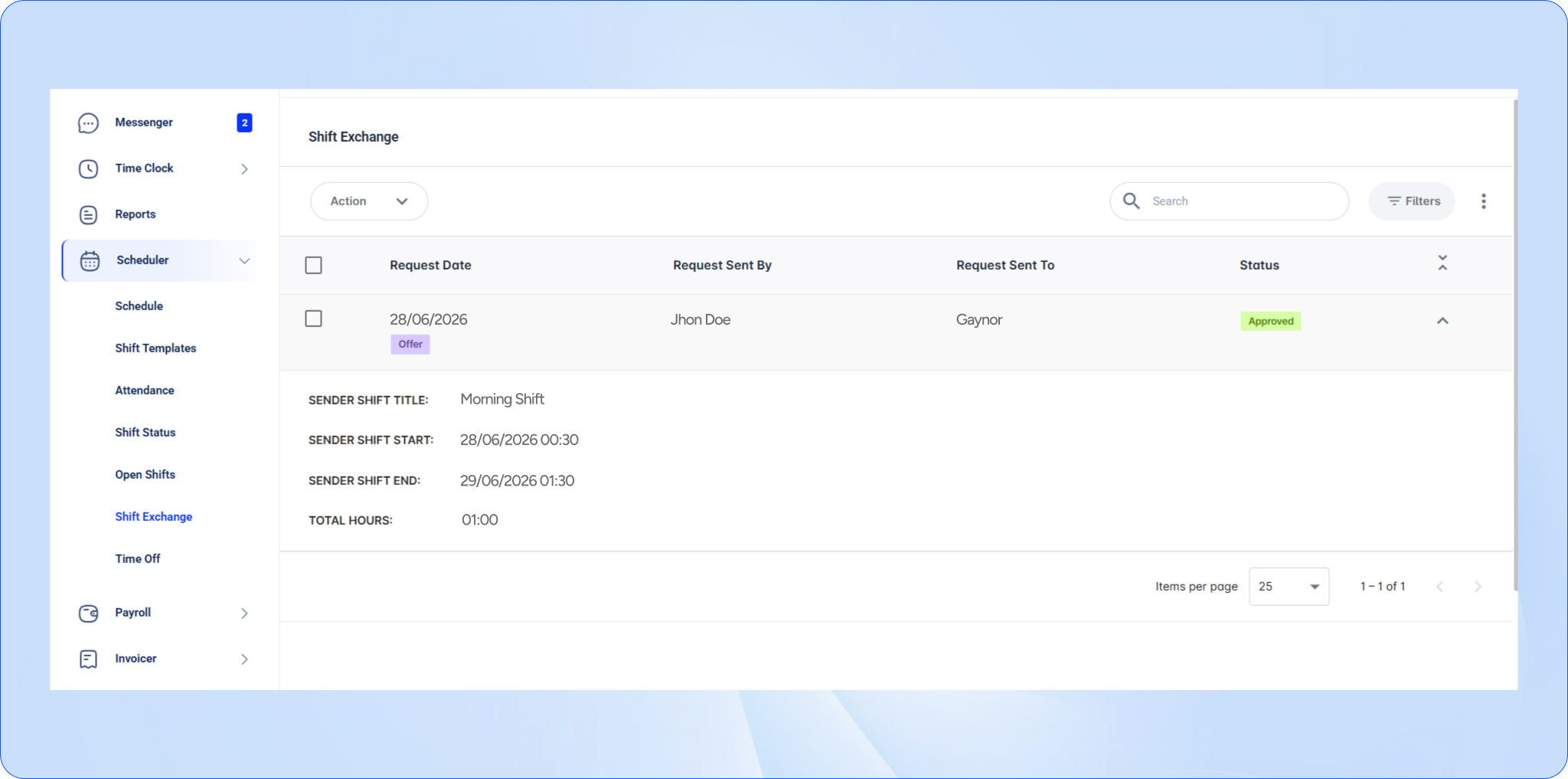
How GuardsPro Simplifies Security Scheduling
GuardsPro is built specifically for modern security operations.
Its scheduling tools help companies:
- Assign shifts faster
- Manage multiple sites efficiently
- Track attendance accurately
- Automate notifications
- Reduce scheduling conflicts
Because GuardsPro connects scheduling with reporting, patrol tracking, communication, and attendance, operations become easier to manage from one platform.
Instead of relying on disconnected systems, teams gain better structure, visibility, and operational control.
Whether managing a small team or a growing multi-site operation, GuardsPro helps security companies create a more scalable scheduling process.
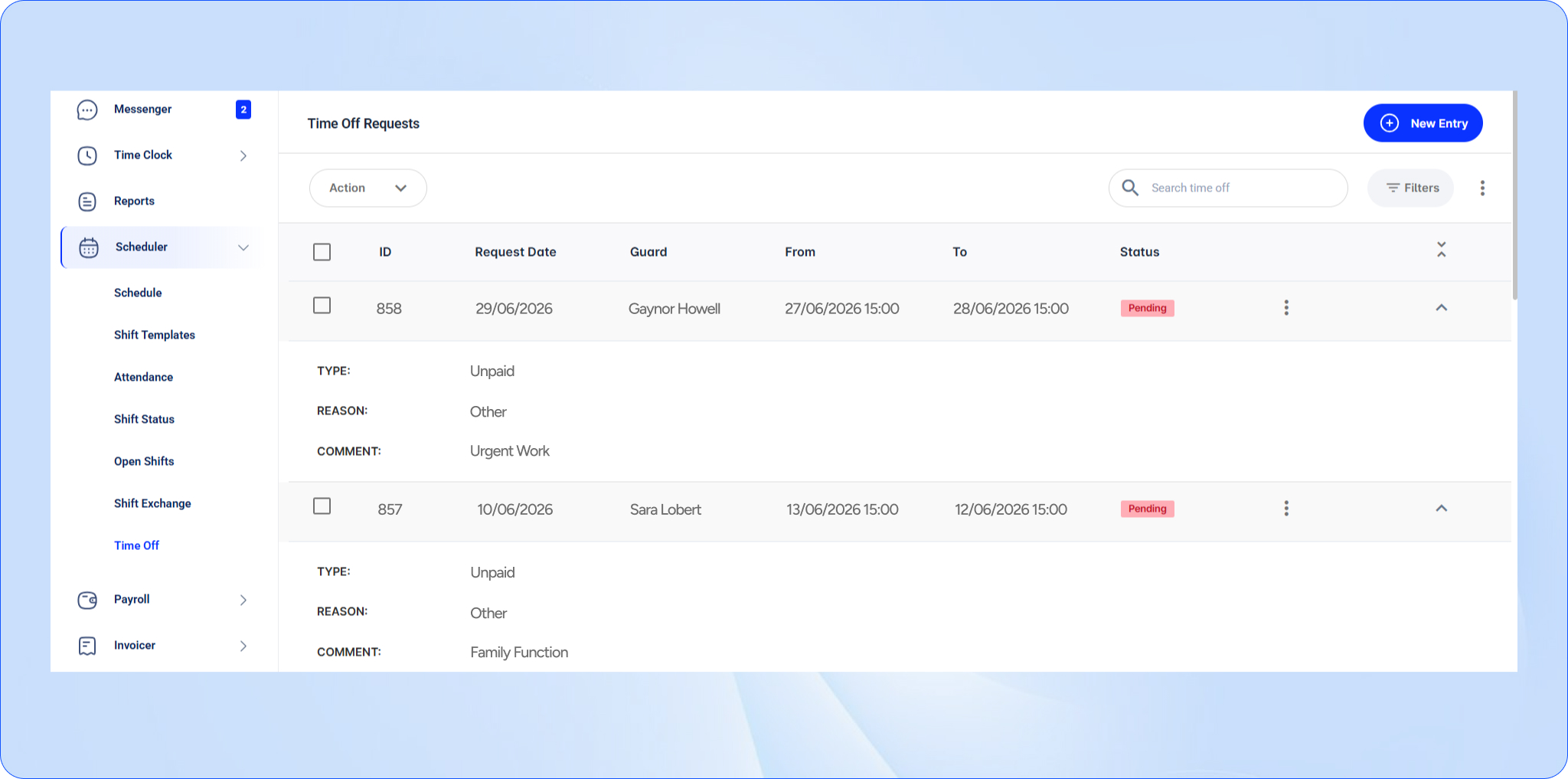
Moving From Spreadsheets to Smarter Scheduling
Many companies hesitate to replace spreadsheets because they worry about disrupting operations.
The transition is often simpler than expected.
The best approach is to start gradually:
- Move scheduling into the platform
- Automate attendance tracking
- Enable notifications and reminders
- Expand into reporting and patrol tracking later
With GuardsPro, companies can transition step-by-step without interrupting daily operations. Teams can begin using scheduling tools immediately while gradually adopting additional operational features over time.
This allows businesses to modernize operations without creating unnecessary disruption.
Conclusion
Manual shift planning slows operations down.
As security companies grow, spreadsheets and manual coordination create delays, scheduling conflicts, and unnecessary administrative pressure.
That is why more businesses are adopting security guard scheduling software to automate scheduling, improve visibility, and simplify workforce coordination.
With GuardsPro, scheduling becomes faster, more accurate, and easier to scale.
Instead of spending hours fixing schedules, teams can focus on delivering stronger security operations.

Prefer a walkthrough?
Book a live demo and explore how GuardsPro helps you manage scheduling, reporting, and operations across all your sites.
Have questions or feedback?
Get in touch anytime—we’re here to help, and your input helps us keep improving for teams like yours.