Security work requires constant attention.
Guards may spend long hours on their feet, patrol large properties, respond to incidents, complete reports, communicate with supervisors, follow post orders, and stay alert throughout their shifts.
The job itself can be demanding. But some of the stress security guards experience doesn’t necessarily come from the security work.
It comes from poor scheduling, unnecessary paperwork, unclear communication, repetitive administrative tasks, and not having the right information when they need it.
Technology can’t eliminate the challenges of security work. But the right tools can remove some of the unnecessary friction from a guard’s day.
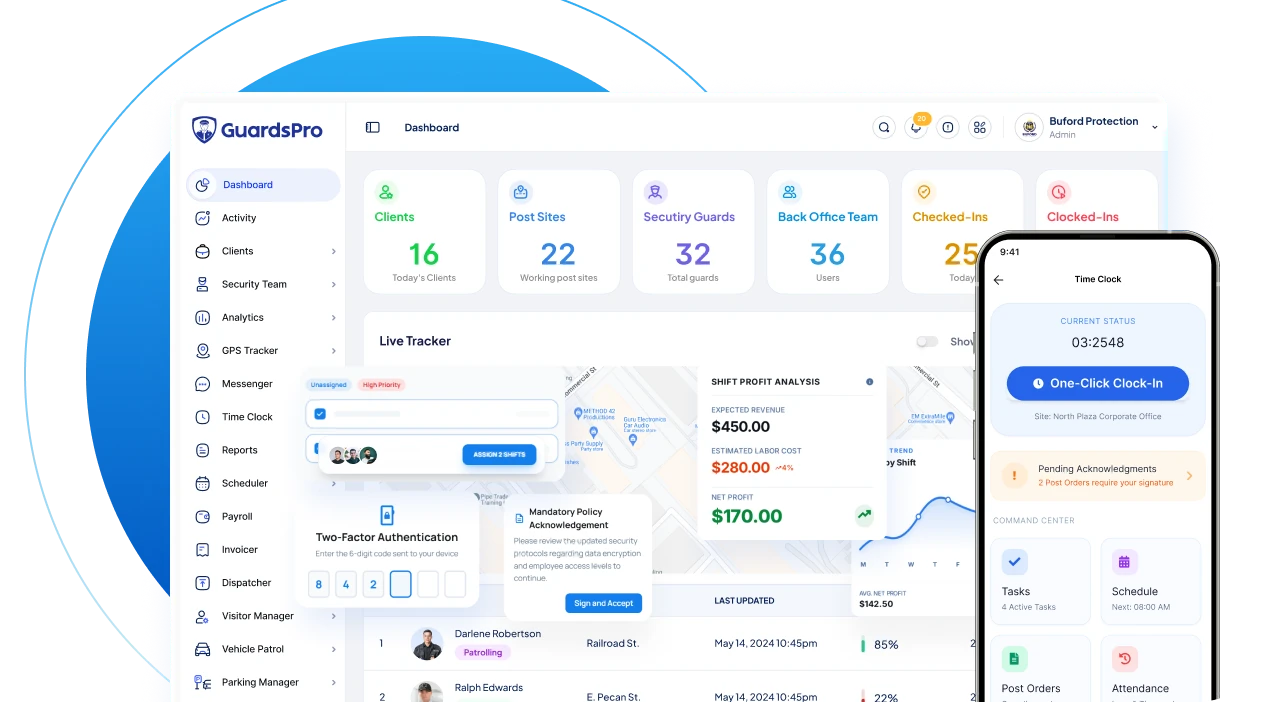
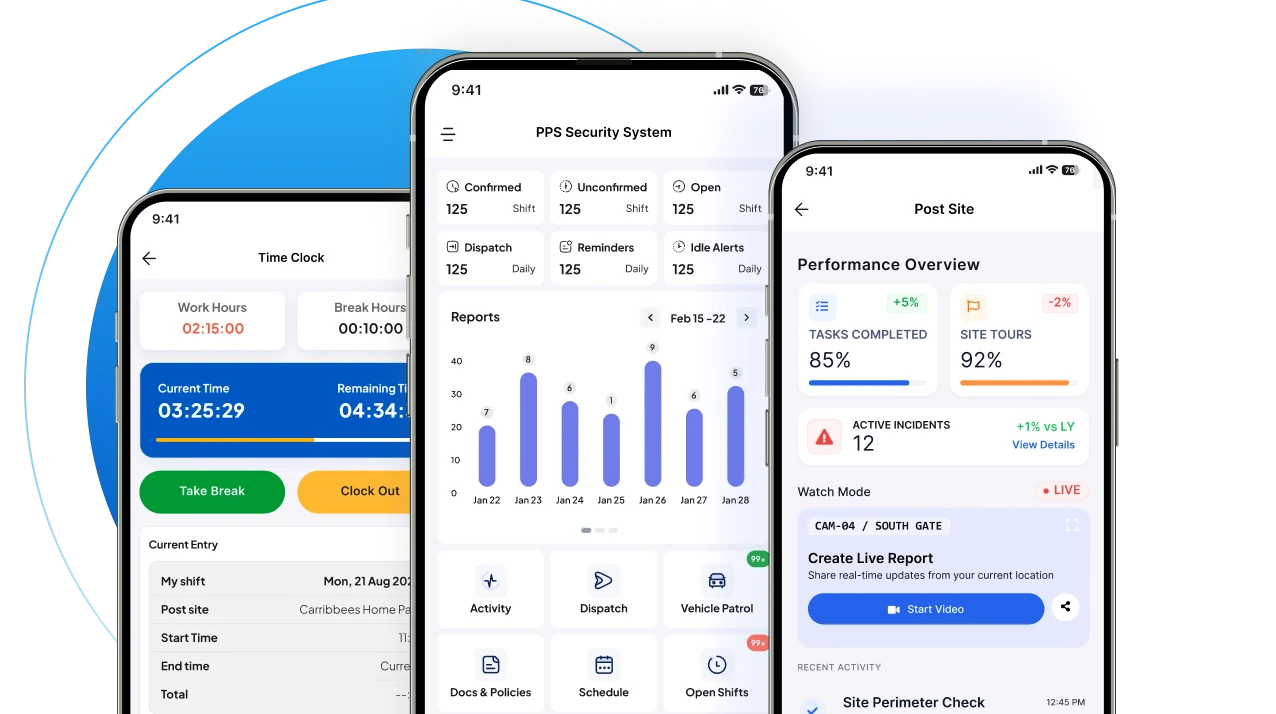
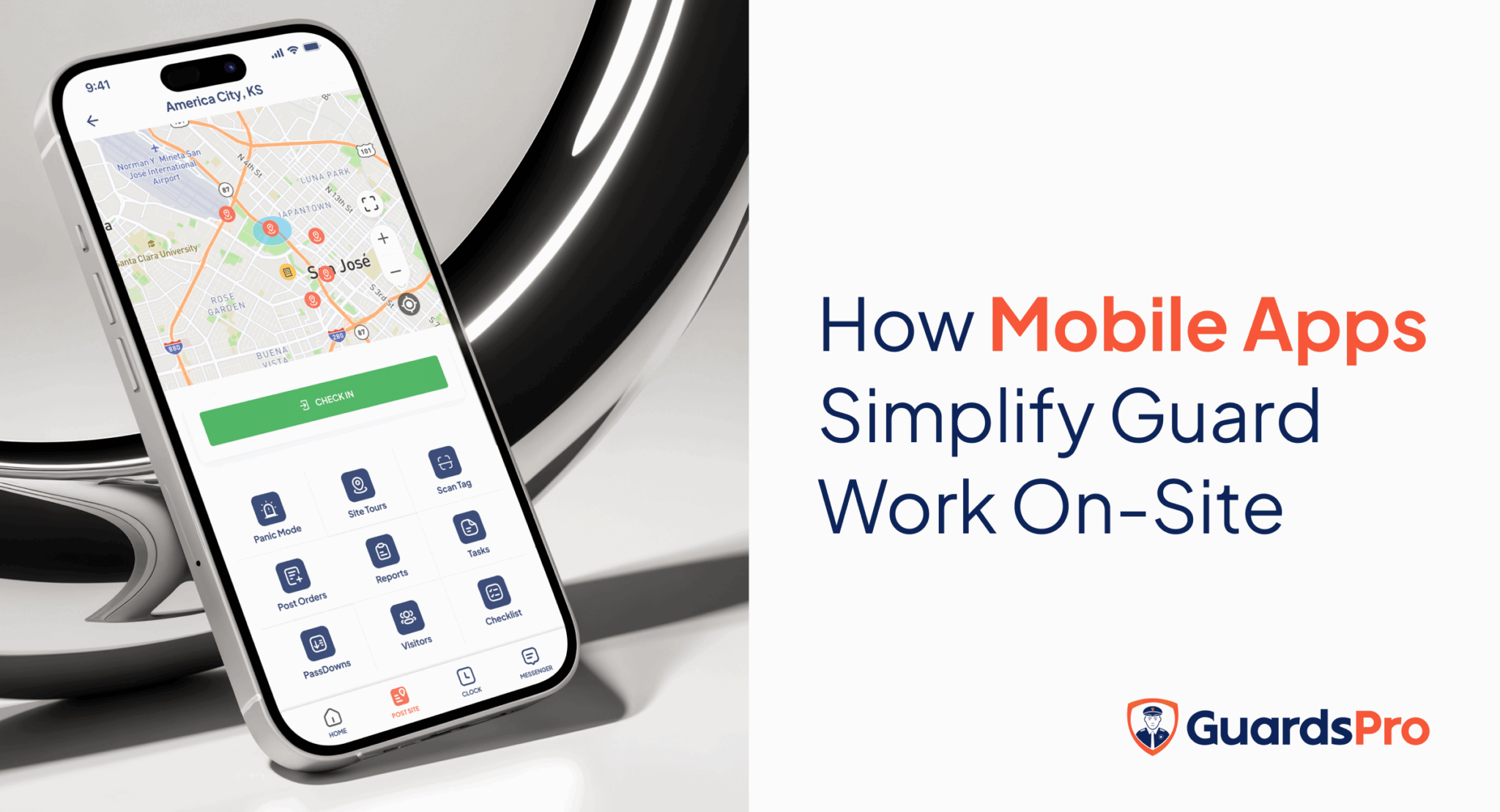
A security guard mobile app can help guards manage schedules, access post orders, complete patrols, communicate with their teams, submit reports, request time off, and handle other daily tasks from one place.
Here are seven ways technology can help reduce some of the avoidable stress that security guards experience on the job.
1. Know Your Schedule Before You Start Your Shift
Uncertainty about where and when you’re supposed to work can create unnecessary stress.
Guards may need to keep track of changing shifts, open posts, schedule updates, time-off requests, and shift swaps.
When this information is scattered across phone calls, text messages, emails, or paper schedules, it can be difficult to keep track of everything.
A mobile app can put scheduling information directly in the guard’s hands.
With GuardsPro, guards can view assigned shifts, confirm shifts, find available open shifts, request time off, and request shift exchanges through the mobile app.
That means fewer questions like:
“Where am I working tonight?”
“Did my shift change?”
“Who should I contact about this shift?”
Having clear information before a shift starts can make the workday more predictable.
2. Spend Less Time on Paperwork
Reporting is an essential part of a security guard’s job.
Daily Activity Reports, incident reports, passdown notes, checklists, and other documentation provide important information to supervisors and clients.
But paperwork can become frustrating when guards have to complete everything manually, especially after a long shift.
A mobile reporting system allows guards to create and submit reports directly from their phones.
GuardsPro supports digital D.A.R. reports, custom reports, passdowns, attachments, and autosaved report drafts. Guards can also include photos, audio, and video when needed.
This can turn reporting from a lengthy administrative task into something guards can complete as part of their normal workflow.
Why this matters
Less manual paperwork can mean:
- Less repetitive data entry
- Fewer lost reports
- Easier documentation
- Faster report submission
- Less time spent completing paperwork after a shift
The goal isn’t to remove reporting.
It’s to make reporting easier to complete correctly.
3. Get Important Information Without Chasing Someone Down
Imagine arriving at a site and realizing you need updated instructions.
You could call your supervisor.
You could send a text.
You could search through old messages.
Or you could have the current information available directly through your mobile app.
Digital post orders allow guards to access important site instructions from their phones. GuardsPro also provides access to company policies and other relevant information through the mobile app.
This can be particularly useful for guards working at multiple locations.
Instead of relying on memory or outdated paperwork, guards can access the information relevant to the post they’re assigned to.
Less uncertainty. Fewer interruptions. Clearer instructions.
Those small improvements can make a noticeable difference during a busy shift.
4. Make Patrols and Tasks Easier to Manage
Security guards may have several responsibilities during one shift.
They might need to:
- Complete scheduled patrols
- Check specific areas
- Monitor entrances
- Conduct site tours
- Complete assigned tasks
- Check visitors
- Submit reports
- Respond to dispatches
Trying to remember everything manually can add unnecessary mental load.
A mobile security app can organize these responsibilities in one place.
GuardsPro supports site tours using NFC, QR, and virtual tags, along with assigned tasks and checklists. Guards can access their assigned responsibilities through the mobile app while working in the field.
Instead of constantly asking “What do I need to do next?”, guards can use the app to keep track of assigned activities.
That creates more structure without requiring guards to carry additional paperwork.
5. Stay Connected With Supervisors and Your Team
Working security can sometimes feel isolated, particularly when officers are assigned to separate locations.
Communication becomes even more important when something unexpected happens.
A built-in communication tool can give guards a direct way to communicate with supervisors and other team members.
GuardsPro includes an in-app Messenger that connects guards, back-office users, and clients. The platform also provides tools for communicating important operational updates.
The GuardsPro mobile app also provides access to security team information when enabled by management, helping guards identify and contact other team members assigned to the same site.
Better communication doesn’t just improve operations.
It can also help guards feel less like they’re handling every problem alone.
6. Get Help When Something Goes Wrong
Security guards regularly deal with situations that require quick decisions.
An incident may happen unexpectedly.
A guard may notice suspicious activity, need assistance, or face an emergency at the post.
Having a direct way to alert the back office can provide additional support.
GuardsPro’s mobile app includes a Panic Button that allows guards to alert back-office users during an emergency and share their location. The platform also supports dispatch tickets for assigned incidents.
This doesn’t replace established emergency procedures or emergency services.
Instead, it provides another communication channel that can help connect a guard with their security team when assistance is needed.
Knowing that support is available can be particularly important when guards are working alone.
7. Have More Control Over Your Work-Life Balance
Stress doesn’t necessarily end when a guard leaves a post.
Schedule changes, difficulty requesting time off, and finding coverage for shifts can create additional pressure outside working hours.
Giving guards more control over routine scheduling requests can make these processes easier.
With GuardsPro, guards can submit time-off requests and request shift exchanges through the mobile app. Guards can also define their availability for scheduling.
Instead of having to rely entirely on back-office phone calls or manual requests, guards can initiate these processes from their phones.
That doesn’t eliminate scheduling challenges, but it can make them easier to manage.
What Causes Stress for Security Guards?
Technology is only part of the solution.
Security companies should also understand the underlying factors that can contribute to job stress.
Common operational challenges include:
Long and Irregular Shifts
Security work often requires coverage outside traditional business hours, including nights, weekends, and holidays.
Unclear Instructions
Guards need to know what is expected at each post. Outdated or incomplete instructions can create uncertainty.
Heavy Reporting Requirements
Documentation is important, but excessive manual paperwork can add to a guard’s workload.
Communication Gaps
When guards can’t easily reach supervisors or receive important updates, small problems can become more difficult to manage.
Working Alone
Some assignments require guards to work independently for extended periods.
Constant Responsibility
Guards are expected to remain alert and respond appropriately when something happens.
Schedule Changes
Last-minute changes, open shifts, and difficulty requesting time off can create additional pressure.
A mobile security guard app won’t solve every one of these issues.
But it can address some of the avoidable administrative friction surrounding them.
How a Security Guard Mobile App Can Reduce Unnecessary Work
Think about a typical shift without a connected mobile app.
A guard may need to:
Check a paper schedule → call the office → collect post orders → complete patrol paperwork → make phone calls → fill out reports → submit paperwork → communicate shift information to the next guard.
Now compare that with a connected mobile workflow:
Open the app → view shift → access post orders → complete tasks → conduct patrol → submit report → communicate with the team.
The security work itself hasn’t disappeared.
The difference is that the administrative processes surrounding the work become more organized.
That is where mobile technology can provide real value.
What Should Security Companies Look for in a Guard Mobile App?
If you’re evaluating mobile technology for your security team, don’t focus only on the number of features.
Consider whether the app actually makes daily work easier for guards.
Look for capabilities such as:
Mobile Scheduling
Can guards view their schedules and receive updates?
Digital Time Clock
Can they check in and out without additional paperwork or devices?
Mobile Reporting
Can guards create and submit reports from the field?
Digital Post Orders
Can they access current site instructions?
Site Tours
Can patrols and checkpoints be completed through the app?
Task Management
Can guards clearly see their assigned tasks?
Communication
Can guards easily communicate with supervisors and team members?
Emergency Alerts
Is there a direct way to request assistance?
Time-Off Requests
Can guards submit requests without unnecessary back-and-forth?
Shift Exchange
Can guards request shift changes through the platform?
Simple User Experience
Most importantly, can guards learn to use the app without extensive training?
GuardsPro’s mobile app combines many of these capabilities, including scheduling access, time clock, GPS tracking, site tours, post orders, reporting, messaging, passdowns, task management, time-off requests, shift exchanges, and panic alerts.
Technology Should Make a Guard’s Job Easier—Not Add Another Layer of Work
Not every technology solution actually reduces stress.
If guards have to use several complicated apps for different parts of their shift, technology can create another source of frustration.
The better approach is to bring frequently used tasks into a simple, mobile workflow.
A guard should be able to open the app and quickly answer questions such as:
- Where am I working?
- What time does my shift start?
- What are my post orders?
- What tasks do I need to complete?
- Where do I need to patrol?
- How do I submit my report?
- How do I contact my supervisor?
- How do I request time off?
- How do I report an emergency?
When technology answers these questions quickly, it becomes a support tool rather than another administrative burden.
The Bottom Line
Security guard stress isn’t caused by one thing.
The nature of the job itself can be demanding. Guards need to remain alert, deal with unexpected situations, communicate effectively, and maintain accurate documentation.
But security companies can reduce some of the avoidable stress by giving guards better tools.
A security guard mobile app can help by making schedules easier to access, reducing paperwork, simplifying patrol tasks, improving communication, providing access to post orders, and giving guards faster ways to request assistance.
GuardsPro is designed to bring these everyday functions into one mobile platform so guards can spend less time dealing with administrative friction and more time focusing on their actual security responsibilities.
The goal isn’t to make security work less important.
It’s to make the work around security easier.
See How GuardsPro Can Support Your Security Team
GuardsPro provides a connected platform for security guard scheduling, mobile reporting, GPS tracking, site tours, communication, time tracking, task management, and more.
Explore the GuardsPro Guard Mobile App or schedule a demo to see how it can fit into your security operation.