[ez-toc]
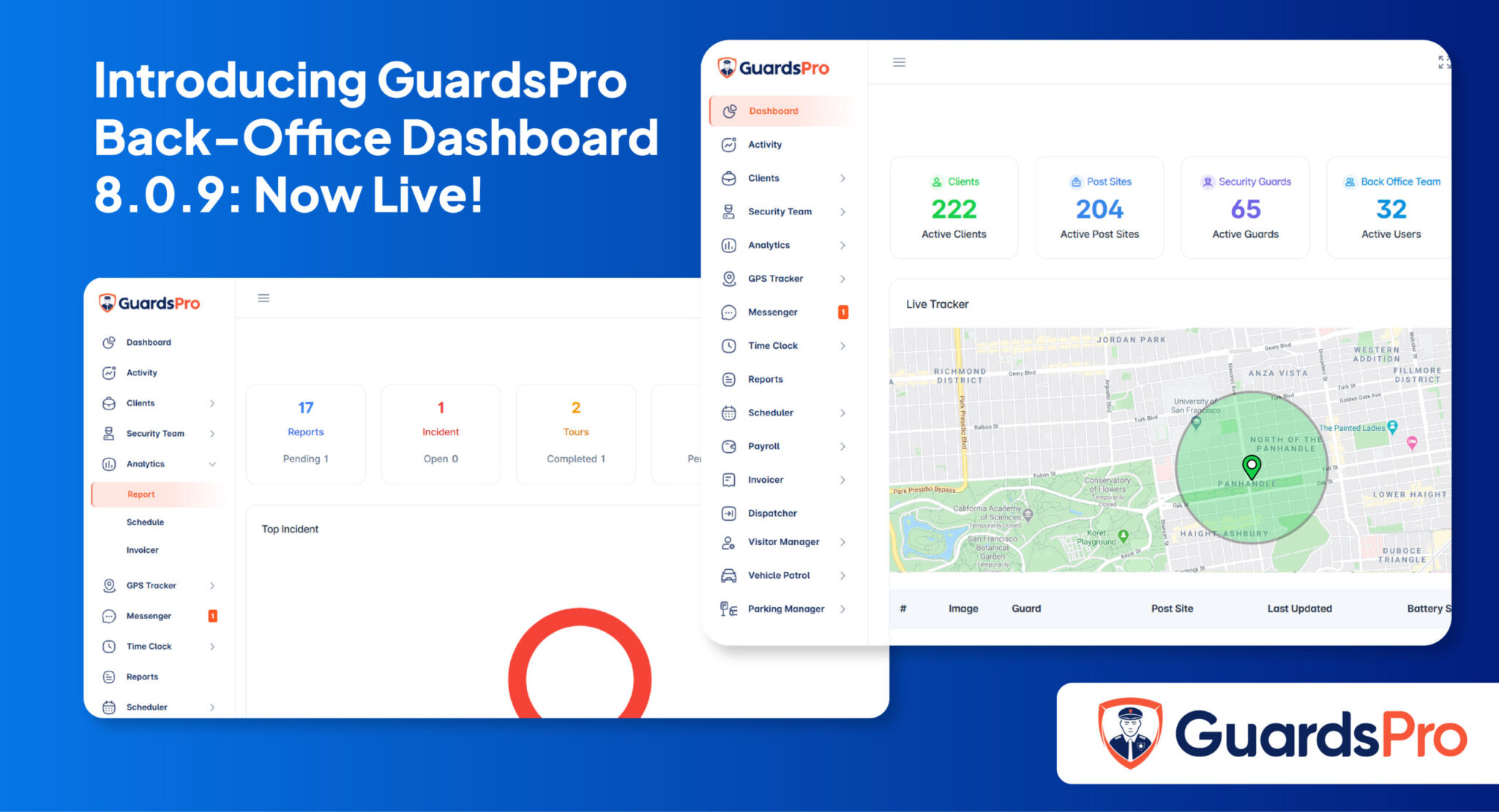
We are always looking for ways to make GuardsPro work better for the people who use it every day. That means listening to feedback from guards, supervisors, and clients, and then turning that feedback into real improvements inside the platform. This latest round of updates touches both the Guard Web Portal and the Client Web Portal, and we think these additions will make a noticeable difference in how your team operates on a daily basis.
Here is a closer look at everything that is new.
Guard Portal Enhancements
Reminders
Guards can now set reminders directly within the portal. Whether it is a time-sensitive task, an upcoming inspection, or a shift-specific responsibility that cannot be missed, the reminder feature keeps everything visible and on track. Instead of relying on informal notes or memory alone, guards have a built-in way to stay on top of what needs to get done without anything slipping through the cracks.
Messenger
We have added a dedicated chat feature inside the Guard Portal. Guards can now communicate with each other and with supervisors directly through the platform, without needing to switch to a separate messaging app. This keeps all communication connected to the work itself, reduces confusion, and makes it easier to coordinate quickly when situations change on the ground.
DAR Reports
Daily Activity Reports are now accessible through a dedicated DAR module within the Guard Portal. Guards can view all their reports in one organized location, which makes it much easier to review past activity, track patterns, and stay aligned with what has been documented across shifts. Having this available directly inside the portal removes the need to hunt through separate systems or request information from back-office staff.
Passdown
Guards can now log passdown notes directly from the Guard Portal. Passdowns are an important part of keeping information consistent from one shift to the next, and having a dedicated place to record and access them inside the portal means nothing gets lost in translation between guard changes. The next guard coming on can read exactly what happened and what needs attention, without relying on a verbal handoff alone.
Parking Manager
Managing parking entries is now possible right from the Guard Portal. Guards can log, track, and manage vehicle entries without needing to step away from the portal or rely on a separate process. For sites where parking management is a core part of daily operations, this addition saves time and keeps records more accurate.
Client Portal Updates
Performance Improvements
We have made several under-the-hood optimizations to the Client Portal that improve overall speed and responsiveness. Pages load faster, interactions feel smoother, and the experience of navigating through reports and data is more efficient than before. These kinds of improvements may not be the most visible updates, but they have a real impact on how the portal feels to use day in and day out.
Custom Access Levels
Clients can now set specific access levels for reports directly within the Client Portal. This gives administrators greater control over what each user can see and interact with inside the portal. To make adjustments, simply navigate to Admin and select Edit. This flexibility is especially useful for larger organizations where different team members need different levels of visibility into security operations.
We encourage you to log in and explore these updates firsthand. Every feature in this release was shaped by real input from our users, and we want to make sure you are getting the most out of what the platform now offers. If you have questions about any of these changes or want to share how they are working for your team, we would love to hear from you. Reach out anytime through the Support Center and we will be happy to help.