Choosing a security guard software platform is a long-term investment. You rely on it to manage guards, schedule shifts, track patrols, generate reports, and store years of operational history. But while features and pricing often get the most attention, there’s one question many security companies overlook:
What happens to your data if you decide to switch vendors?
It’s a question worth asking before you sign a contract.
Every report your guards submit, every client you onboard, every patrol completed, and every invoice you generate becomes part of your company’s history. That data represents years of hard work, operational knowledge, and client trust. If switching software means losing access to that information or struggling to transfer it, your business could face unnecessary disruptions.
Understanding data ownership security guard software isn’t just an IT concern. It’s a business decision that affects compliance, customer relationships, and your ability to grow with confidence.
Let’s explore why it matters and what you should look for before making a change.
Your Data Is One of Your Most Valuable Business Assets
Think about everything your security company records in a single day.
Guards check in for shifts, complete site tours, submit incident reports, communicate with supervisors, and record daily activities. Managers create schedules, approve time logs, review reports, and send invoices to clients.
Over weeks, months, and years, this information becomes much more than operational data. It becomes a complete record of how your business operates.
This information helps you:
- Demonstrate compliance during audits.
- Verify services delivered to clients.
- Resolve disputes with documented evidence.
- Analyze guard performance and site activity.
- Generate accurate payroll and billing.
- Maintain historical records for contracts and investigations.
Losing access to this data can create operational challenges and make it difficult to deliver the level of service your clients expect.
That’s why data ownership security guard software should be a key consideration when evaluating any security management platform.
Who Really Owns Your Security Data?
In most cases, the data created within your software belongs to your company.
That includes:
- Client records
- Guard profiles
- Schedules
- Attendance logs
- Site tour history
- Incident reports
- Daily Activity Reports
- Time logs
- Invoices
- Documents and post orders
However, ownership doesn’t always guarantee accessibility.
Some software providers make it easy to export your information whenever you need it. Others may limit what can be downloaded, charge additional fees for retrieving historical records, or restrict access once your subscription ends.
This is why it’s important to ask not only “Who owns security data?” but also “How easily can I access it if I decide to leave?”
The answer can make a significant difference when it’s time to migrate to a new platform.
Why Security Companies Switch Software Vendors
Changing software isn’t always about finding more features.
Many companies consider switching security software vendors because their current system no longer supports the way they operate.
Some common reasons include:
- Outdated software that lacks modern features.
- Limited reporting and operational visibility.
- Poor customer support.
- Manual processes that slow down daily operations.
- Difficulty scaling as the business grows.
- Limited integrations with other business tools.
While these are all valid reasons to explore new solutions, it’s equally important to understand what the migration process looks like before making the move.
Questions Every Security Company Should Ask
Before choosing a new software provider, take the time to ask a few important questions about your data.
Can I export all of my operational data?
Some platforms only allow certain information to be exported, while others provide access to everything you’ve created.
What file formats are supported?
Your data should be available in widely accepted formats so it can be imported into another system if needed.
Will reports include attachments and images?
Incident photos, signatures, and supporting documents are often just as important as the reports themselves.
How long will my data remain available if I cancel my subscription?
Understanding your vendor’s retention policy helps you plan ahead.
Will your team help with migration?
A good software provider should support you throughout the transition, not leave you to manage it on your own.
These conversations can prevent unexpected surprises and make the entire migration process much smoother.
Why Data Portability Is Just as Important as Data Ownership
Owning your data is one thing. Being able to move it is another.
This is where security guard data portability becomes essential.
Data portability refers to your ability to transfer operational information from one platform to another without losing important records.
Ideally, you should be able to migrate information such as:
- Client accounts
- Guard information
- Post sites
- Shift schedules
- Attendance history
- Incident reports
- Daily Activity Reports
- Patrol records
- Billing data
The easier it is to move your information, the less disruption your business experiences during implementation.
After all, upgrading your software should improve efficiency, not create months of manual work.
The Risks of Poor Data Portability
Unfortunately, not every migration goes smoothly.
Some companies discover that exported reports are missing images or attachments. Others realize years of patrol history can’t be transferred into the new system. In some cases, businesses spend days recreating schedules, client records, or guard information manually because the previous platform didn’t support complete exports.
These issues can lead to:
- Delayed onboarding.
- Lost historical records.
- Reduced operational visibility.
- Additional administrative work.
- Temporary disruptions to client service.
Planning ahead and choosing software that supports vendor switching security software best practices can help avoid these problems.
How GuardsPro Supports a Smooth Transition
At GuardsPro, we believe your operational data should remain under your control.
Our onboarding team works closely with new customers to simplify migration and help move essential operational information into the platform with minimal disruption.
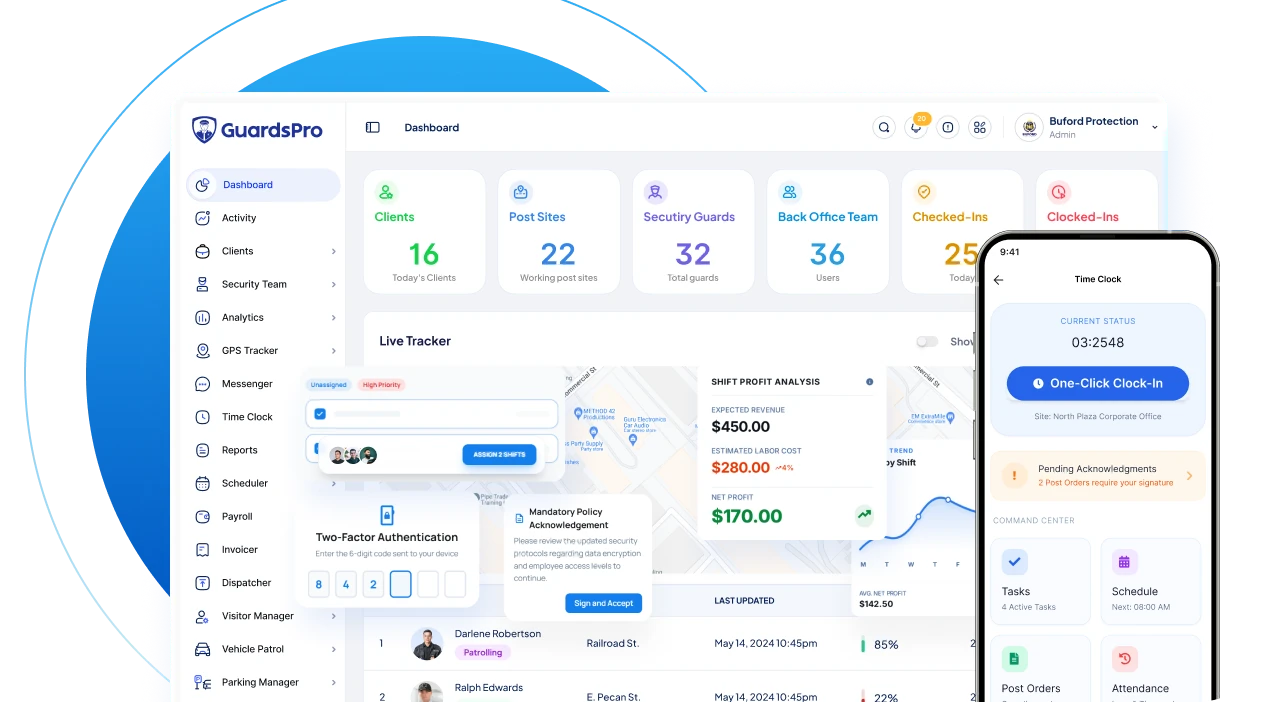
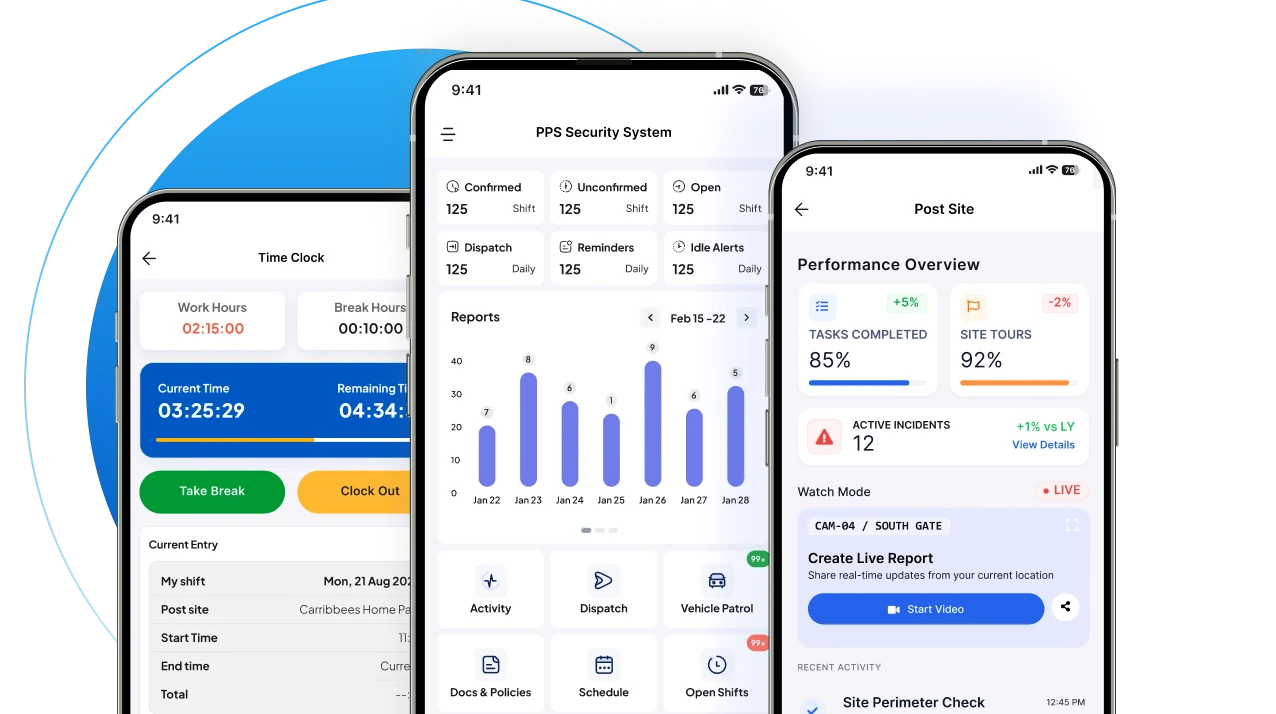
Once your data is in place, GuardsPro gives you one centralized system for managing every aspect of your security business, including scheduling, GPS tracking, reporting, dispatch, invoicing, client management, workforce communication, and more.
Instead of relying on disconnected tools or manually updating spreadsheets, your team can access the information they need from a single platform built specifically for security operations.
Choose a Vendor That Values Transparency
Software should help your business grow, not make it difficult to leave if your needs change.
When evaluating providers, don’t focus only on pricing or feature lists. Ask about data ownership, export options, migration support, backup policies, and long-term accessibility.
A transparent software provider should be able to clearly explain:
- Who owns your data.
- How you can export it.
- What happens if you cancel your subscription.
- How migration is handled.
- What support is available during implementation.
These conversations may not seem exciting, but they can save your business significant time and frustration in the future.
Keep Your Business in Control
Your operational data tells the story of your business. It documents every patrol completed, every incident resolved, every client served, and every hour your team has worked.
Before switching security software vendors, make sure your data can move with you.
Understanding data ownership security guard software helps protect your business, preserve valuable historical records, and ensure you’re never locked into a platform that doesn’t meet your needs.
With GuardsPro, you get more than modern security management software. You get a partner that believes your data should remain accessible, secure, and ready to support your business as it continues to grow.
Want to give GuardsPro a try?
Learn more about GuardsPro.
Explore how GuardsPro helps security companies simplify operations, improve accountability, and manage every site from one platform.
Prefer a walkthrough?
Book a live demo and explore how GuardsPro helps you manage scheduling, reporting, and operations across all your sites.
Have questions or feedback?
Get in touch anytime; we’re here to help, and your input helps us keep improving for teams like yours.
Frequently Asked Questions
1. What is data ownership in security guard software?
Data ownership refers to your company’s legal and operational rights over the information created within your security management platform. This includes client records, guard profiles, incident reports, patrol logs, schedules, invoices, and other operational data. A reliable software provider should ensure you maintain access to this information whenever you need it.
2. Why is data ownership important when switching security software vendors?
When switching security software vendors, your operational data needs to move with you. If your current provider has limited export options or restrictive policies, you could lose valuable historical records or spend significant time manually rebuilding data in your new system. Understanding data ownership before switching helps prevent these challenges.
3. Who owns the data stored in cloud-based security guard software?
In most cases, the operational data your company creates belongs to your business. However, every software provider has different policies regarding data access, exports, retention periods, and migration support. It’s always a good idea to review your vendor’s terms before signing a contract.
4. What is security guard data portability?
Security guard data portability is the ability to transfer your operational information from one software platform to another. This may include client records, guard information, schedules, attendance history, patrol records, reports, invoices, and other business-critical data. Strong data portability makes software migrations faster and less disruptive.
5. What should I ask before choosing a new security management software provider?
Before selecting a new platform, ask questions such as:
- Can I export all of my operational data?
- Which file formats are supported?
- Will reports include photos, attachments, and signatures?
- How long will my data remain available if I cancel my subscription?
- Do you provide migration assistance?
- Are there any fees for exporting historical data?
These questions will help you choose a provider that values transparency and long-term flexibility.
6. Can I migrate historical reports and client records to a new system?
In many cases, yes. The ability to migrate historical data depends on both your current software provider’s export capabilities and your new vendor’s migration process. Choosing a platform with strong migration support helps ensure valuable operational records are preserved.
7. How does GuardsPro help companies switch from another security software?
GuardsPro supports organizations during the onboarding process by helping migrate important operational data into the platform. Once implemented, GuardsPro centralizes scheduling, reporting, GPS tracking, client management, dispatch, invoicing, and workforce communication, making it easier to continue operations without unnecessary disruption.
8. Can changing security software affect daily operations?
It can if the migration isn’t planned properly. Choosing software with reliable migration support, strong security guard data portability, and comprehensive onboarding minimizes downtime and helps your team transition smoothly while maintaining access to critical operational information.