[ez-toc]
Implementing a security guard management system is more than replacing paper reports or digitizing schedules. It’s about creating a more connected, efficient, and accountable security operation.
The right software can streamline guard scheduling, automate patrol tracking, improve communication, and provide real-time visibility across multiple sites. However, successful implementation depends on careful planning, proper training, and choosing processes that support your operational goals.
In this guide, we’ll explore the most important security guard management system best practices to help your organization achieve a smooth rollout and maximize long-term value.
Assess Your Current Security Operations
Before implementing security guard management software, evaluate your existing security workflows.
Start by identifying:
- Manual processes that consume time
- Communication gaps between guards and supervisors
- Challenges with scheduling and attendance
- Incident reporting delays
- Limited visibility into guard patrols
- Areas where accountability can be improved
Understanding your current operations helps determine which features will have the greatest impact and ensures the new system addresses real operational challenges rather than simply replacing existing processes.
Define Clear Goals Before Implementation
Every organization has different operational priorities.
Before deploying a security management platform, establish measurable objectives such as:
- Improving response times
- Automating guard scheduling
- Increasing patrol accountability
- Reducing administrative workload
- Improving incident documentation
- Enhancing communication between field teams and supervisors
Aligning these goals with your broader business objectives creates a clear roadmap for implementation and makes it easier to measure success over time.
Invest In Comprehensive User Training
Even the most advanced platform delivers limited value if users aren’t comfortable using it.
Provide role-specific training for:
- Security guards
- Supervisors
- Dispatch teams
- Operations mana
- Administrative staff
Training should cover daily workflows, reporting procedures, mobile app usage, patrol tracking, scheduling, and incident management.
Regular refresher sessions are equally important as new features are introduced. Well-trained teams adopt software faster, reduce operational errors, and improve overall efficiency.
Customize The Platform Around Your Operations
No two security operations work exactly the same way.
Take advantage of configurable features to match your existing workflows instead of forcing teams to adapt unnecessarily.
Common areas for customization include:
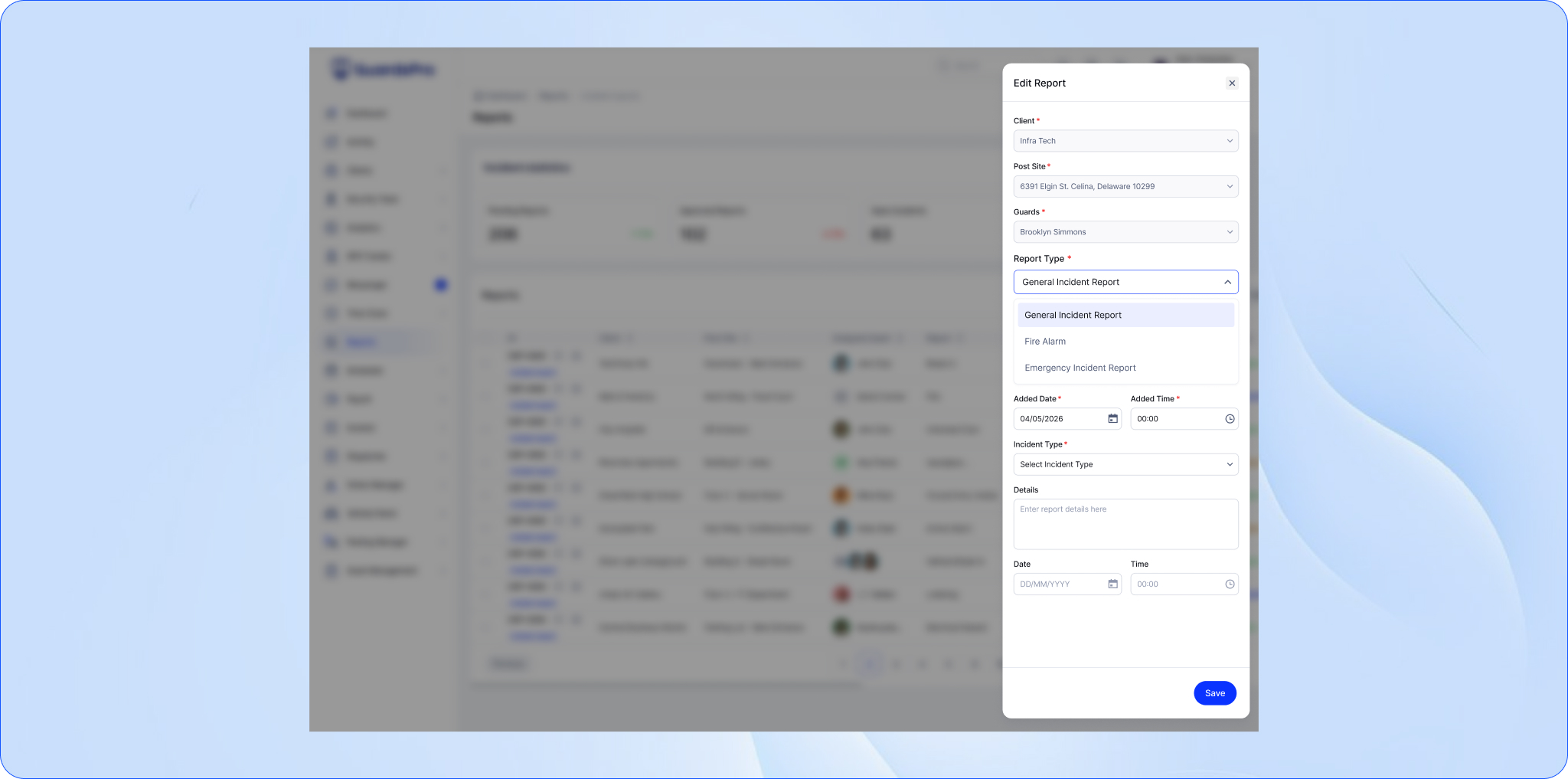
- Incident report templates
- Patrol checkpoints
- Notification rules
- Shift structures
- User permissions
- Client reporting formats
- Dashboard views
A customized platform improves adoption while supporting consistent operational processes across every site.
Integrate With Existing Security Systems
A modern security operation relies on multiple technologies working together.
When possible, integrate your security guard management system with tools such as:
- Access control systems
- CCTV and surveillance platforms
- Visitor management systems
- GPS tracking
- Time and attendance software
Centralizing operational data improves visibility, eliminates duplicate work, and enables faster decision-making across your entire security operation.
If you’re evaluating new security management software, choosing a cloud-based solution can simplify system integrations, improve collaboration across teams, and provide secure access to operational data from anywhere. Read more in Private Patrol Companies Are Moving Their Operations To The Cloud. Are You?
Follow Security Guard Scheduling Best Practices
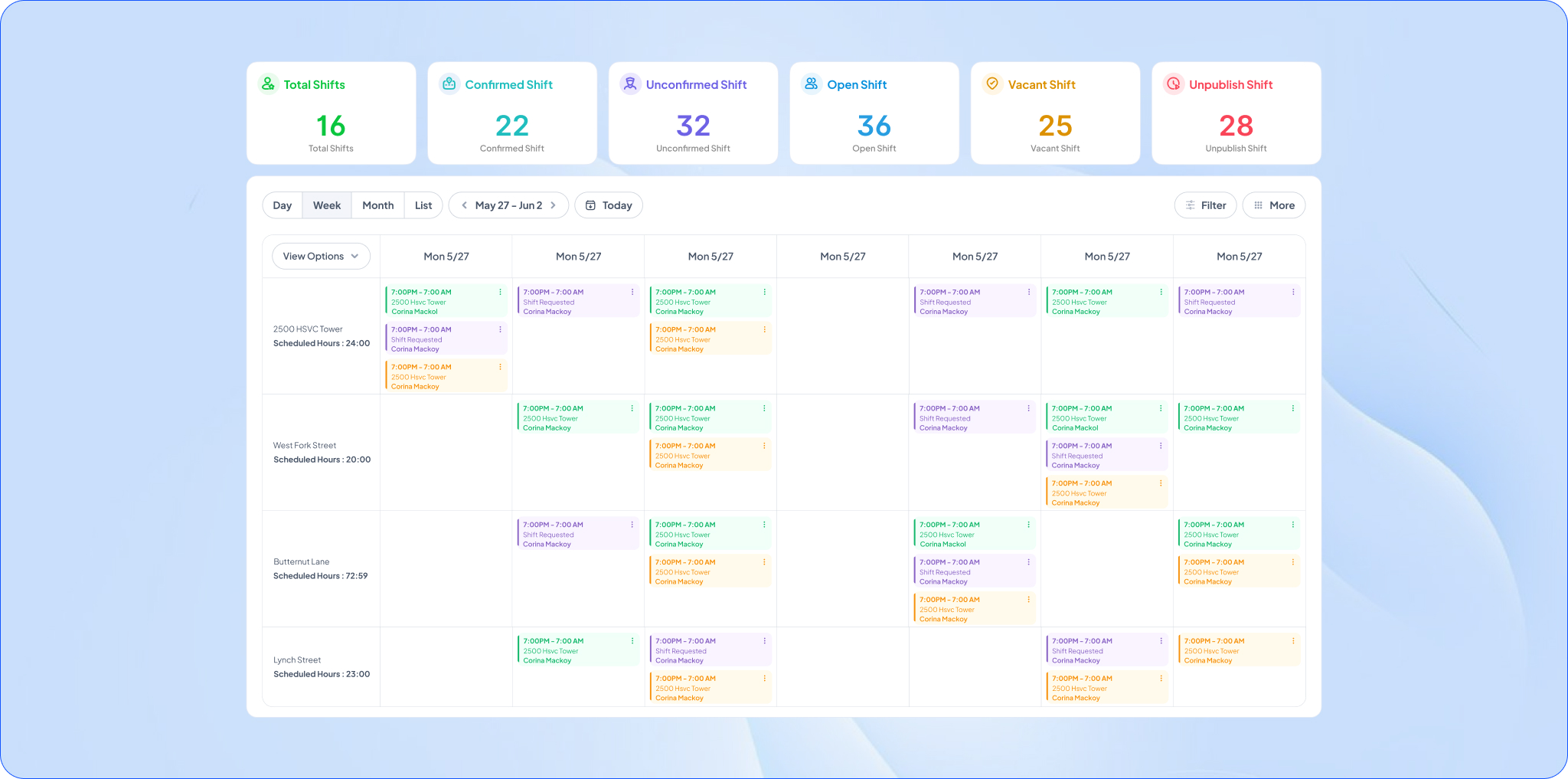
Scheduling is one of the most time-consuming responsibilities for security managers.
Following proven security guard scheduling best practices helps reduce administrative effort while improving workforce coverage.
These include:
- Automating recurring schedules
- Monitoring overtime and labor costs
- Managing last-minute shift replacements
- Matching guard certifications to site requirements
- Providing mobile access to schedules
- Tracking attendance in real time
Automated scheduling helps maintain proper staffing levels while reducing errors caused by manual planning.
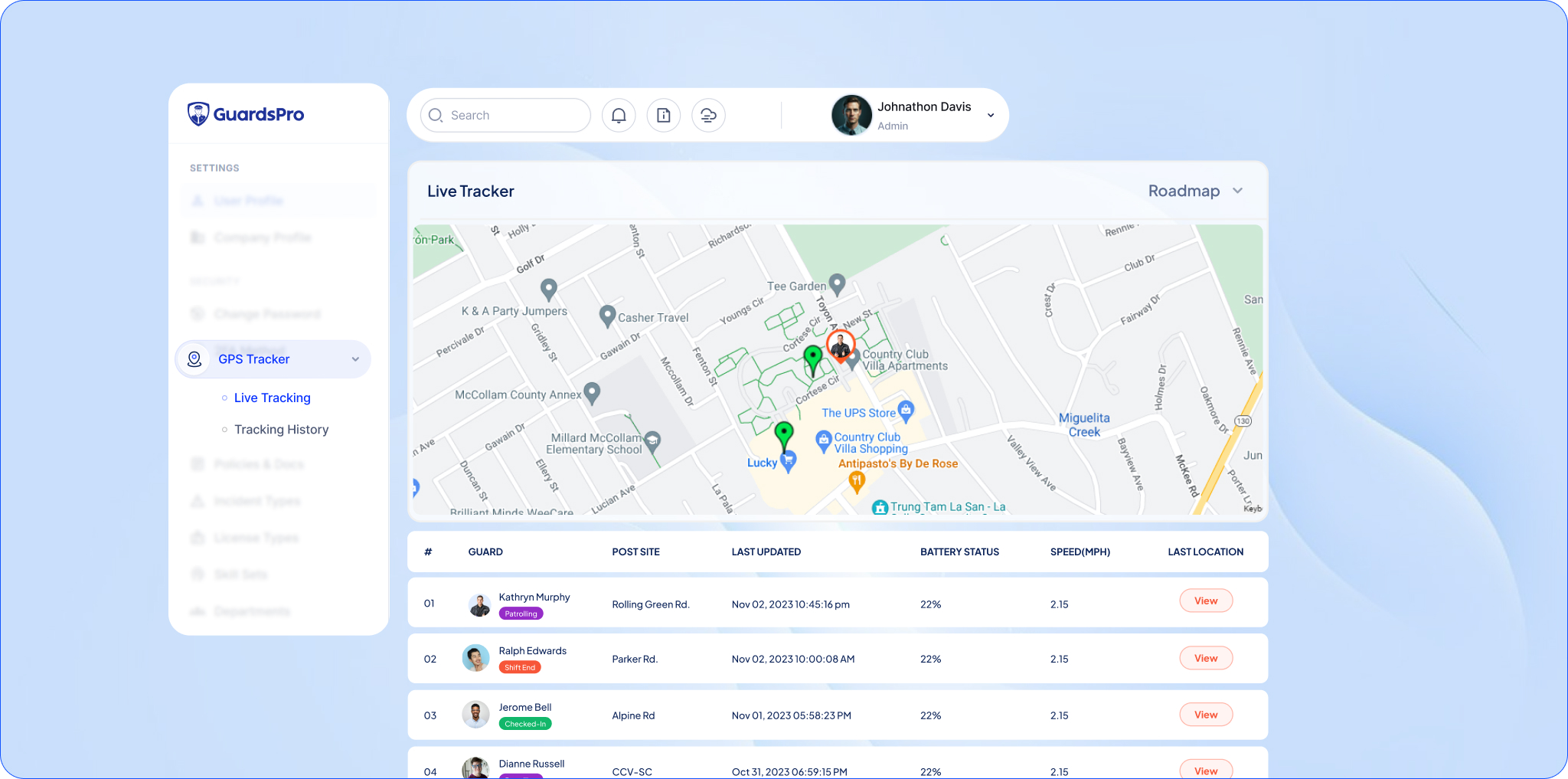
Improve Patrol Accountability With Real-Time Tracking
Effective patrol management is essential for maintaining site security.
Some practical guard patrol management tips include:
- Using GPS-enabled patrol tracking
- Creating digital checkpoint tours
- Monitoring missed checkpoints instantly
- Recording patrol activity automatically
- Receiving alerts for incomplete patrols
- Reviewing patrol history for compliance
Real-time patrol visibility helps supervisors ensure guards remain active while providing clients with verifiable proof of service.
Monitor Performance And Continuously Improve
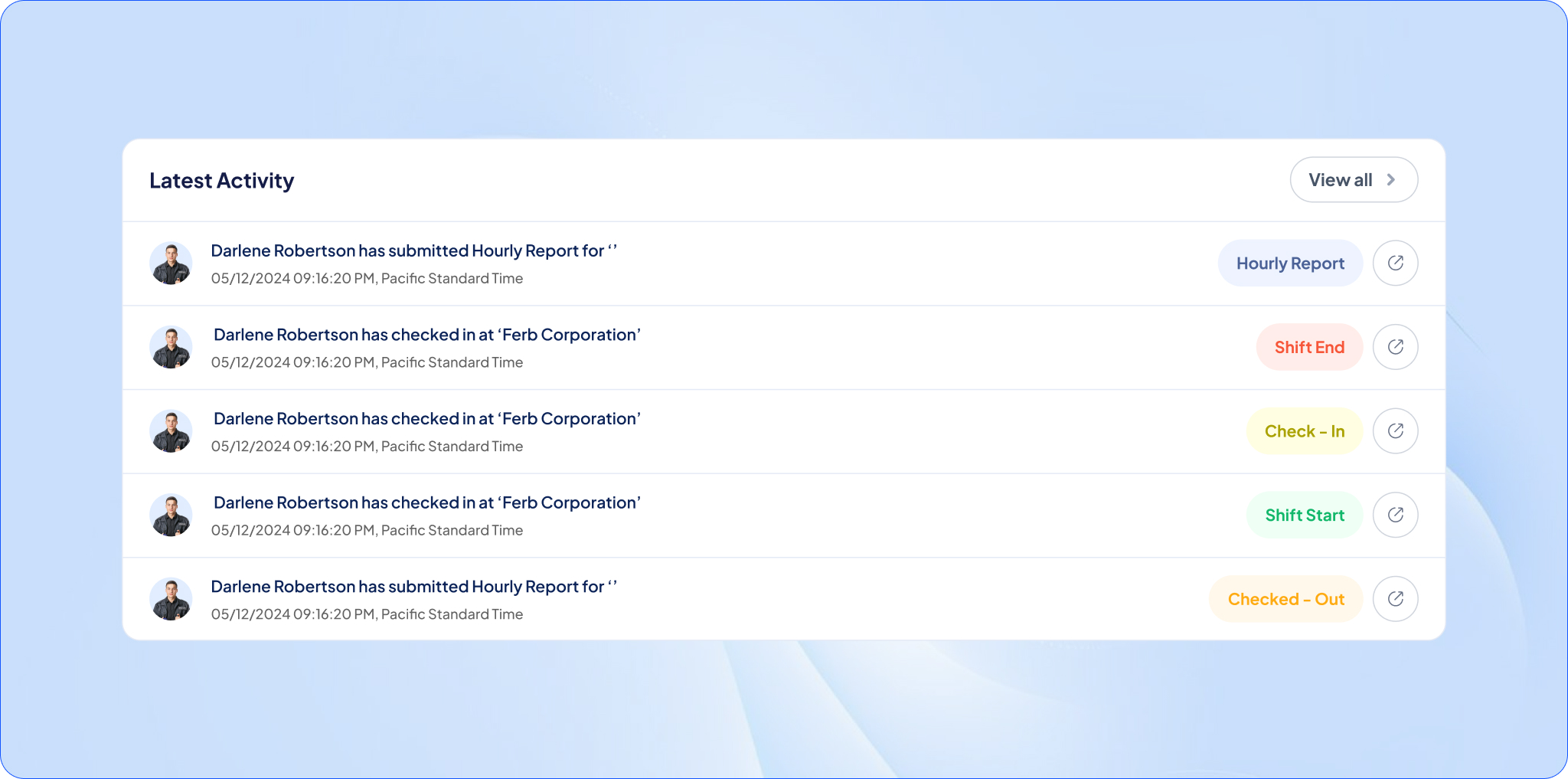
Implementation doesn’t end once the software is live.
Regularly review operational performance by monitoring key metrics such as:
- Incident response times
- Patrol completion rates
- Schedule adherence
- Attendance accuracy
- Report submission times
- Client satisfaction
Gather feedback from supervisors and guards to identify opportunities for improvement and refine workflows as your organization grows.
Continuous optimization ensures your investment continues delivering value over time.
Choose A Scalable Solution
Security operations evolve as organizations grow.
Whether you’re expanding to new client sites, increasing your workforce, or adding supervisors, your software should scale without requiring major operational changes.
Look for a solution that offers:
- Cloud-based access
- Multi-site management
- Regular software updates
- Ongoing customer support
- Flexible user permissions
- Enterprise-level reporting
Scalable software supports long-term security workforce optimization while adapting to changing business needs.
Why GuardsPro?
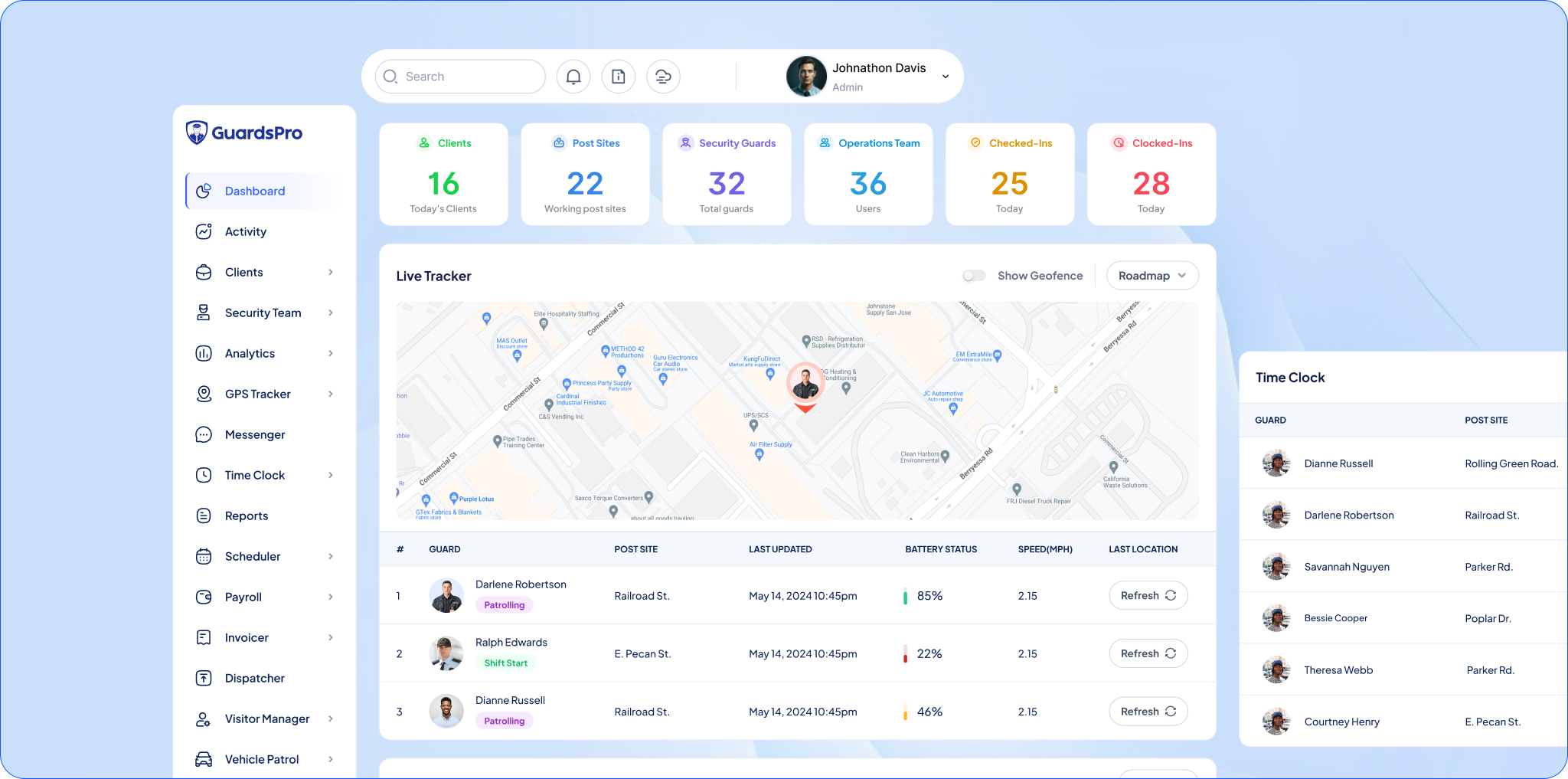
GuardsPro helps security companies modernize their operations with an all-in-one platform designed for today’s security teams.
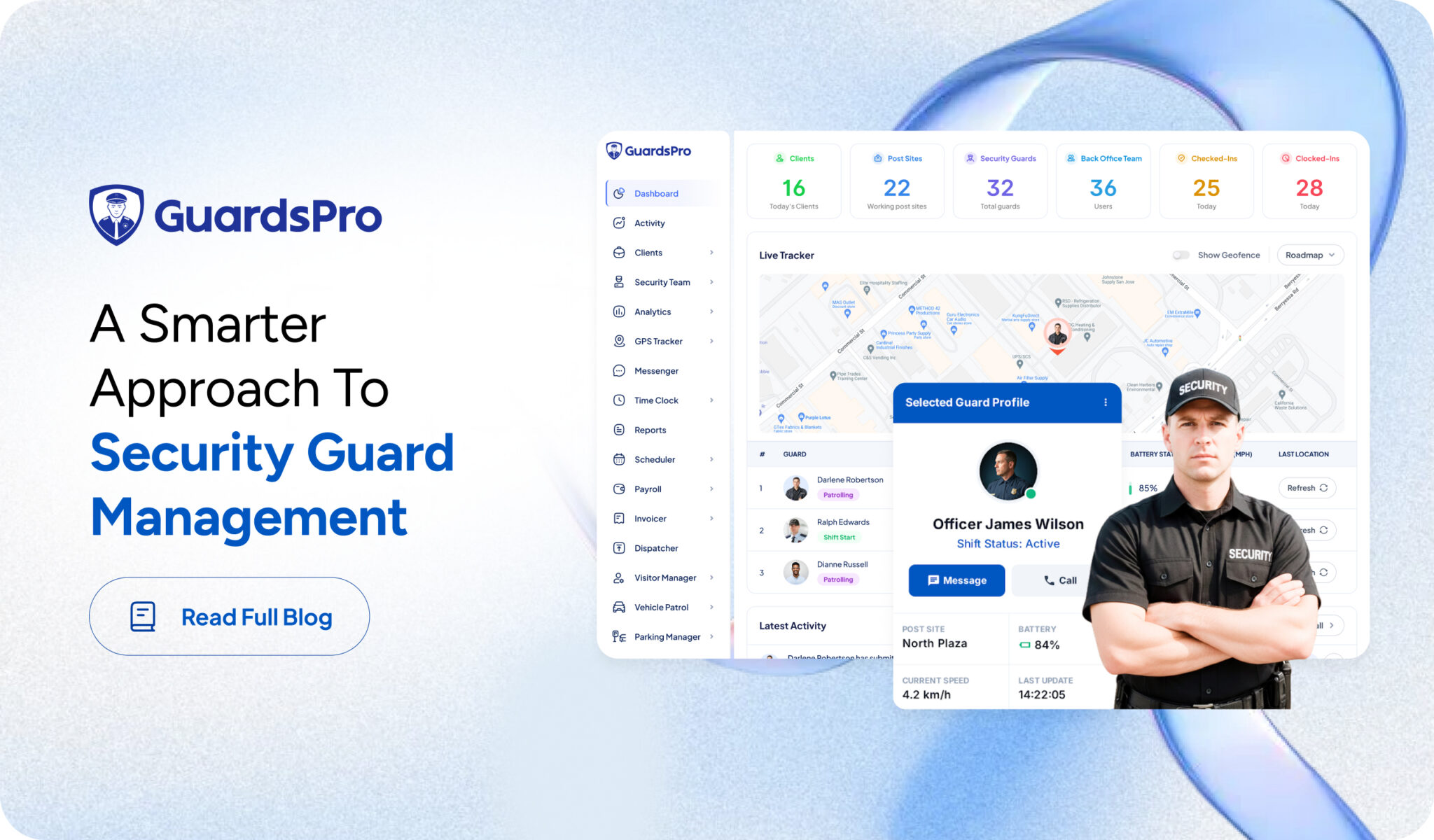
From intelligent scheduling and real-time patrol tracking to incident reporting, workforce management, and operational analytics, GuardsPro simplifies daily security operations while improving visibility across every site.
With an intuitive interface, mobile applications for field guards, and powerful reporting capabilities, GuardsPro enables organizations to reduce manual work, improve accountability, and make faster operational decisions.
Whether you’re managing a small team or a large multi-site workforce, GuardsPro provides the tools needed to support efficient security operations management software and long-term operational growth.
Want to give GuardsPro a try?

Prefer a walkthrough?
Book a live demo and explore how GuardsPro helps you manage scheduling, reporting, and operations across all your sites.
Have questions or feedback?
Get in touch anytime; we’re here to help, and your input helps us keep improving for teams like yours.
Frequently Asked Questions
[saswp_tiny_multiple_faq headline-0=”h4″ question-0=”What is a security guard management system?” answer-0=”A security guard management system is software that helps security companies manage scheduling, patrols, incident reporting, attendance, communication, and workforce operations from a centralized platform. It improves operational visibility while reducing manual administrative work.” image-0=”” count=”1″ html=”true”]
[saswp_tiny_multiple_faq headline-0=”h4″ question-0=”What are the best practices for implementing a security guard management system?” answer-0=”Some of the most effective security guard management system best practices include assessing current operations, defining clear objectives, training staff, customizing workflows, integrating with existing systems, automating scheduling, monitoring patrols in real time, and continuously reviewing operational performance.” image-0=”” count=”1″ html=”true”]
[saswp_tiny_multiple_faq headline-0=”h4″ question-0=”How long does it take to implement a security guard management system?” answer-0=”Implementation timelines vary depending on the size of the organization and the complexity of existing processes. Small teams may complete implementation within a few days, while larger organizations with multiple sites and integrations may require several weeks.” image-0=”” count=”1″ html=”true”]
[saswp_tiny_multiple_faq headline-0=”h4″ question-0=”What challenges do companies face when adopting new security management software?” answer-0=”Common challenges include resistance to change, insufficient staff training, migrating existing data, integrating with legacy systems, and adapting established workflows. Proper planning and ongoing user support help minimize these challenges.” image-0=”” count=”1″ html=”true”]
[saswp_tiny_multiple_faq headline-0=”h4″ question-0=”How does a security guard management system improve daily operations?” answer-0=”A security guard management system automates scheduling, streamlines incident reporting, tracks patrols in real time, improves communication between teams, increases accountability, and provides managers with actionable operational insights. The result is more efficient security operations and better service delivery.” image-0=”” count=”1″ html=”true”]